


🥳 New: Brand new Emporium template & 15+ Ready to use Shadcn blocks

View Changelog

Chronicle – Free Shadcn Admin Dashboard Template

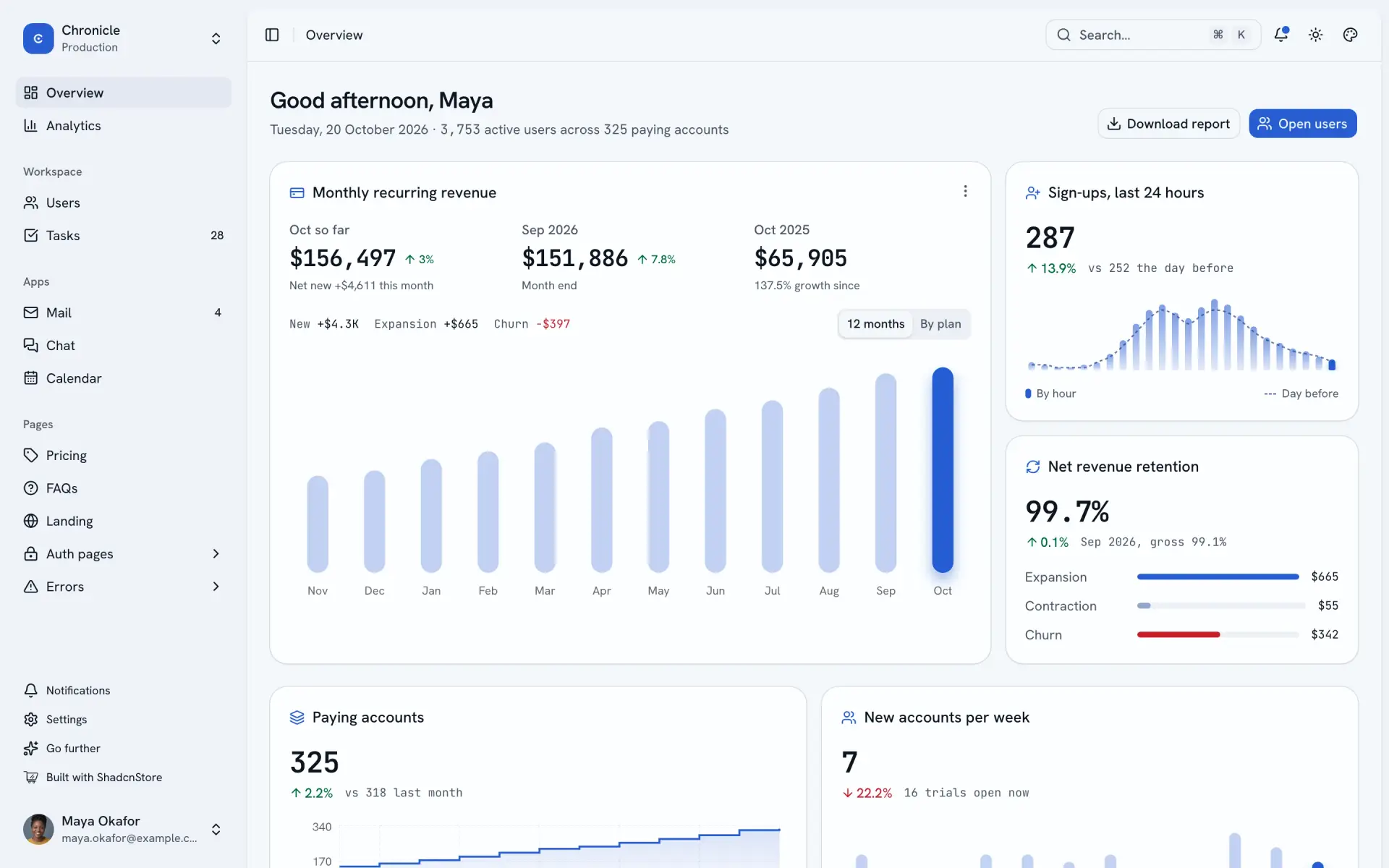
A complete admin on shadcn/ui and Base UI for Next.js 16: Overview, Analytics, a Users workbench, Tasks, Mail, Chat, Calendar, settings and sign-in, on sample data where every number adds up. MIT-licensed, free for client work.

  • Next.js 16.4
  • React 19.3
  • shadcn/ui Base UI
  • Tailwind CSS 4.3
  • TypeScript 6
← Light
Dark →
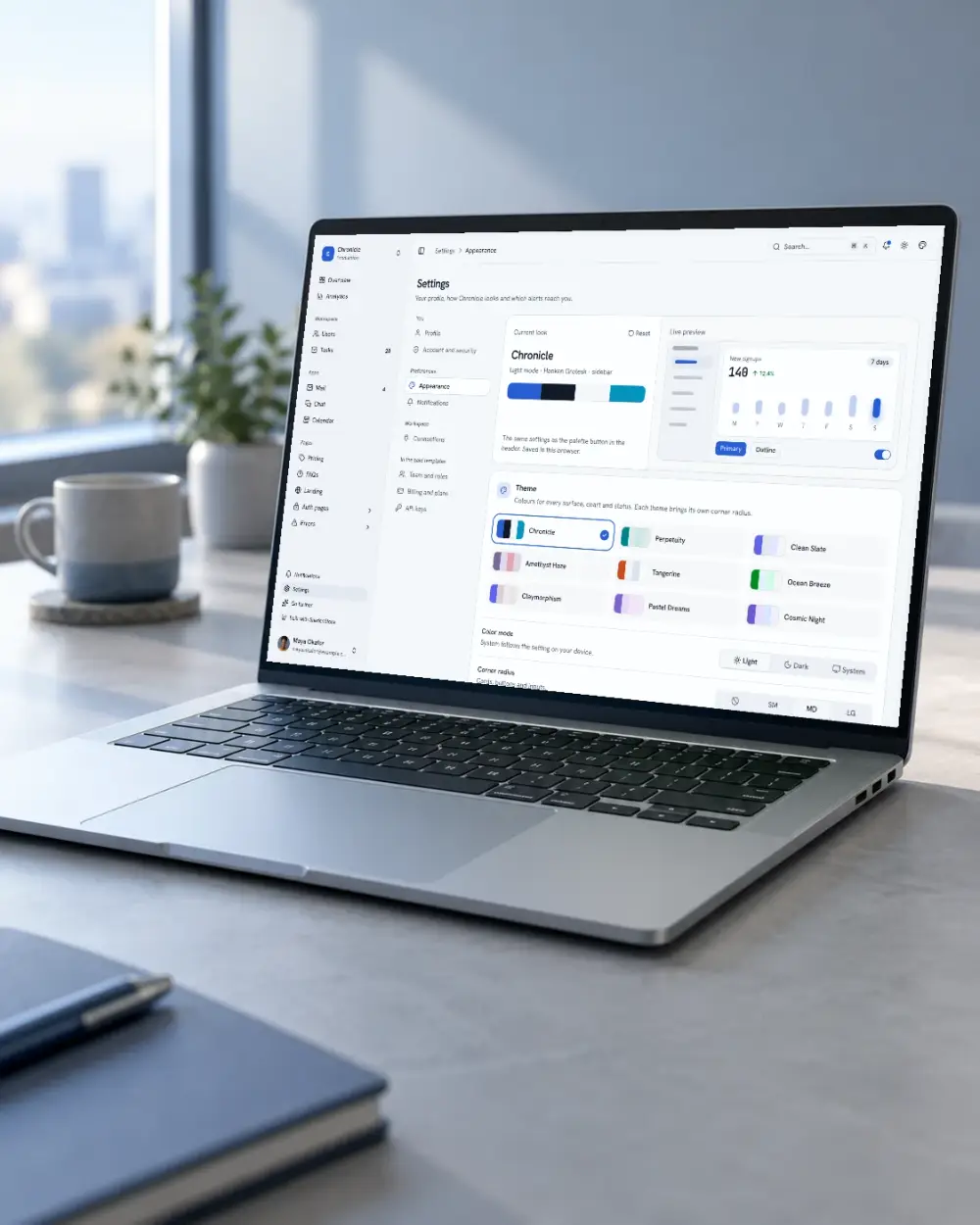
Chronicle admin dashboard: MRR for twelve months, sign-ups by hour, retention, accounts that need attention and product usage in light mode
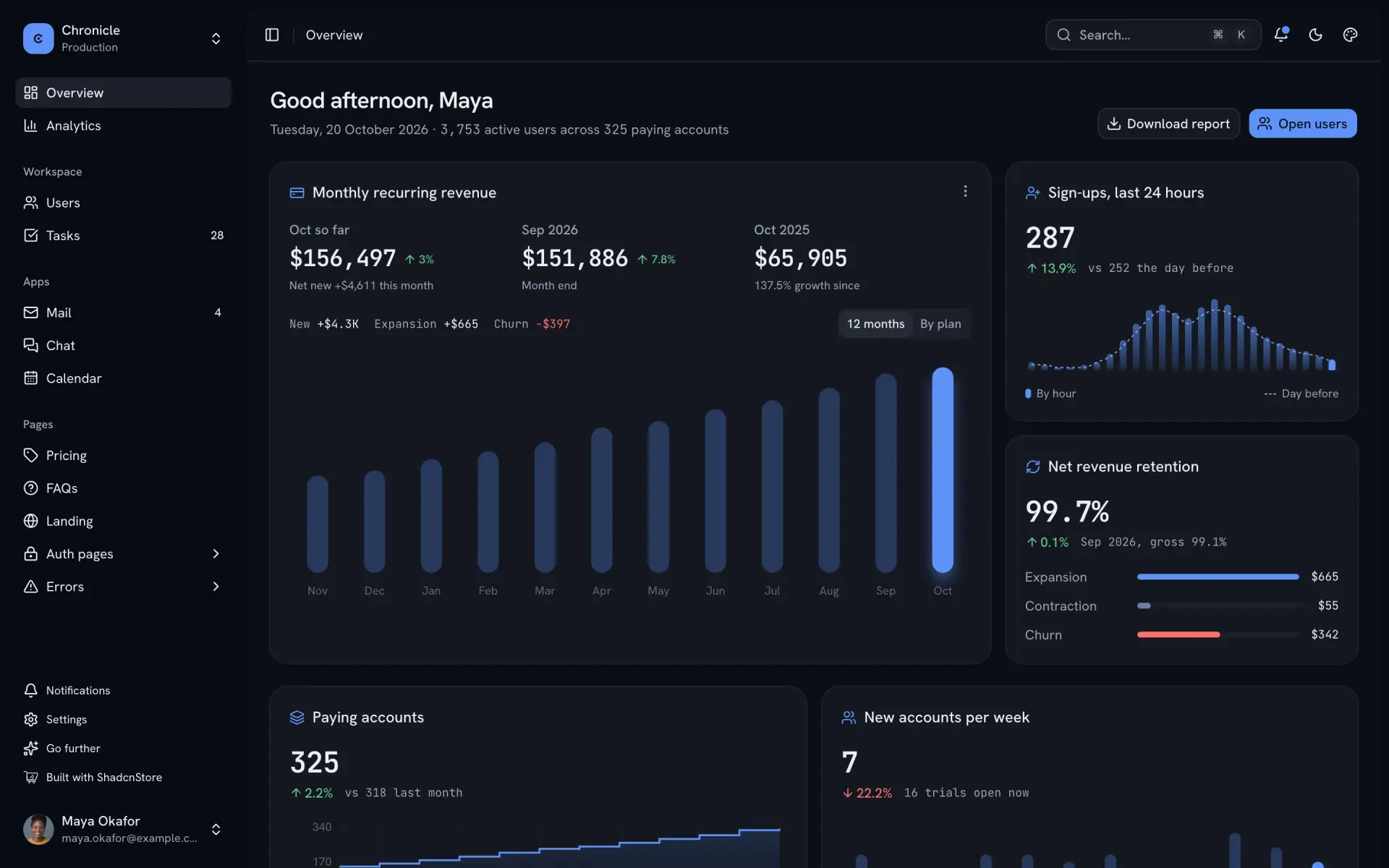
The same screen in dark mode
Drag to compare

Features

Built into every screen

The parts every page needs, already done. Nothing here is a promise you cannot check.

  • 01

    A users workbench

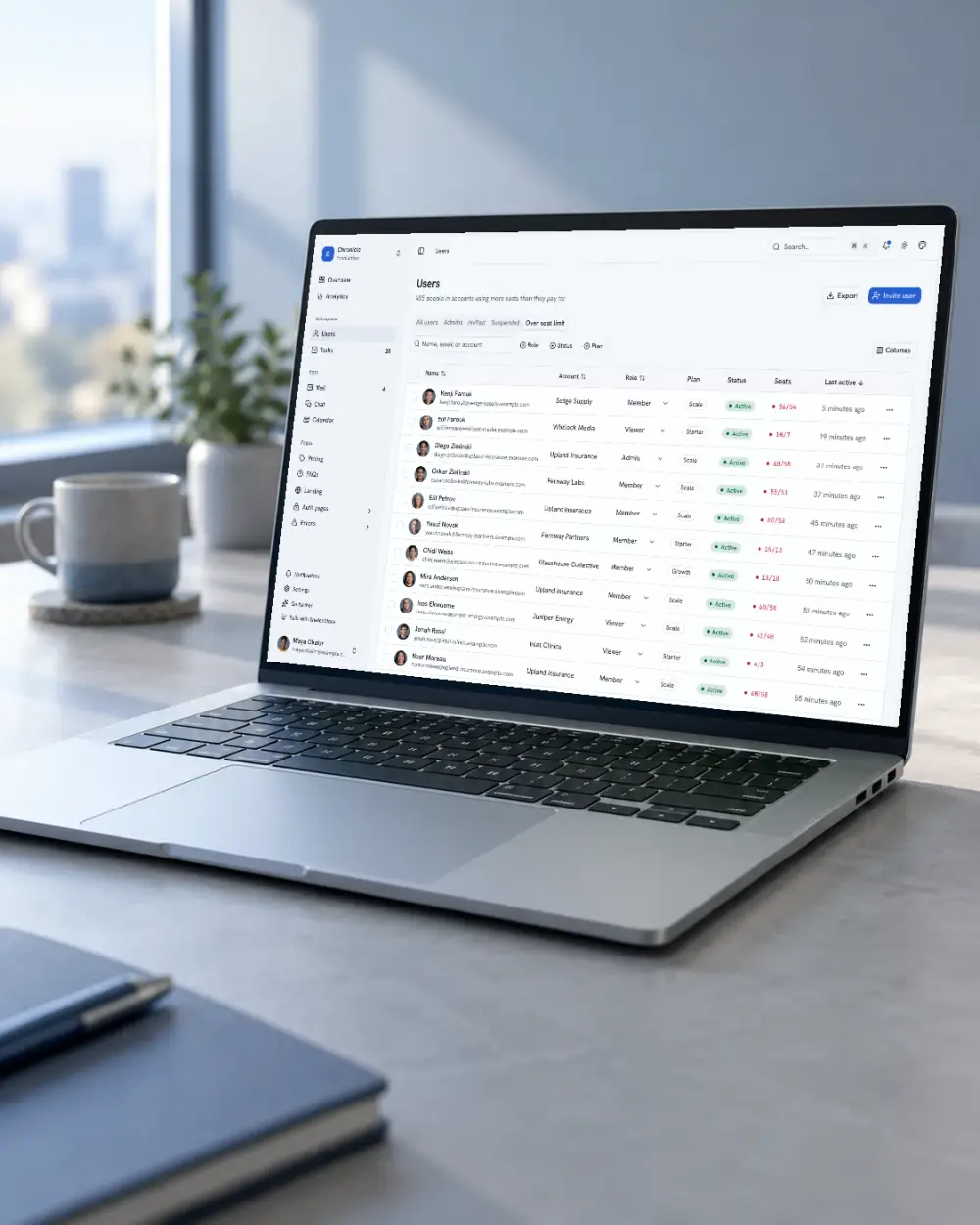
    Saved views, faceted filters and search kept in the address bar, inline role edits, bulk actions with undo and CSV export.

  • 02

    One data adapter

    Every screen reads and writes through six methods. Swap the in-memory adapter for your API and the screens keep working.

    lib/data.ts
  • 03

    Charts that reconcile

    MRR, retention, plans and sign-ups come from one fictional company, also named Chronicle, and tests prove the totals equal their rows.

  • 04

    Keyboard first

    ⌘K searches users and runs actions; G then a letter jumps between pages; ? lists every shortcut.

  • 05

    Live customizer

    Nine themes that restyle every surface, radius, font, scale, sidebar style, top or side navigation, and right to left.

  • 06

    Dark mode everywhere

    Every screen, chart and table follows the mode. Press D to switch.

  • 07

    Auth and error pages

    Sign in, sign up and forgot password in three layouts each, plus 401, 403, 404, 500 and maintenance.

  • 08

    Static or server

    A regular Next.js app, or a static export for any file host with one environment variable.

    STATIC_EXPORT=1

Built for coding agents

Small, named places to change

Each screen lives in one folder under features/, navigation is one list, and data goes through one adapter, so an agent edits one place instead of hunting.

  1. features/

    ├─ overview/

    ├─ users/

    ├─ users-page.tsx

    └─ user-sheet.tsx

    ├─ tasks/

    └─ mail/

    01

    One folder per screen

    Overview, users, tasks, mail and the rest each keep their components and logic together.

  2. lib/data.ts Adapter

    type Resources = {

    users: User

    accounts: Account

    tasks: Task

    }

    02

    Typed resources

    Users, accounts and tasks are declared once. Point the adapter at your API and the types show what is missing.

  3. docs/ Markdown

    getting-started.md

    connect-your-backend.md

    theming.md

    adding-a-page.md

    kit.md · +2

    03

    Guides it can read

    Short Markdown guides: getting started, connecting a backend, theming, adding a page, the Kit, sample data, deploying.

Strict TypeScript, ESLint boundaries and the reconciliation tests give an agent something to check its work against.

About Chronicle

Everything to know about Chronicle

What is in the repository, who it suits, and how it relates to our paid templates.

What is Chronicle?

Chronicle is a free shadcn admin dashboard template for Next.js, built on shadcn/ui with Base UI, Tailwind CSS v4 and the ShadcnStore Dashboard Kit. It gives an admin panel, internal tool or SaaS back office the screens it needs on day one, running on sample data for a fictional subscription company in which every total adds up.

It is open source under the MIT licence and maintained by ShadcnStore. The same repository holds Frontier, its marketing landing page, so a product can launch with a site and an app that share one theme.

What’s included

31 pages in one Next.js 16 app.

Dashboards
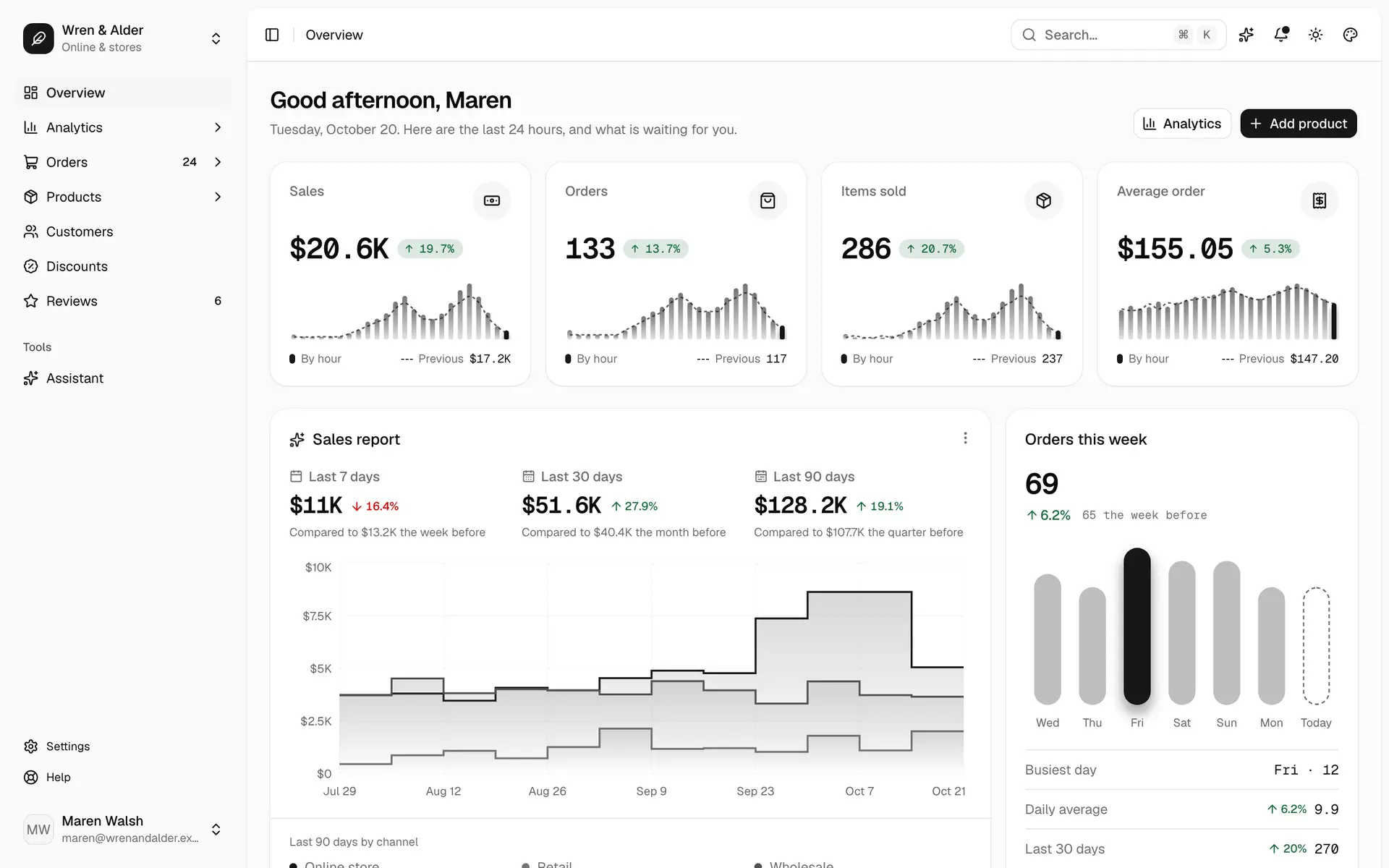
Overview with MRR, retention, sign-ups, accounts that need attention and product usage; Analytics with movements, plans, regions and cohorts
Workspace
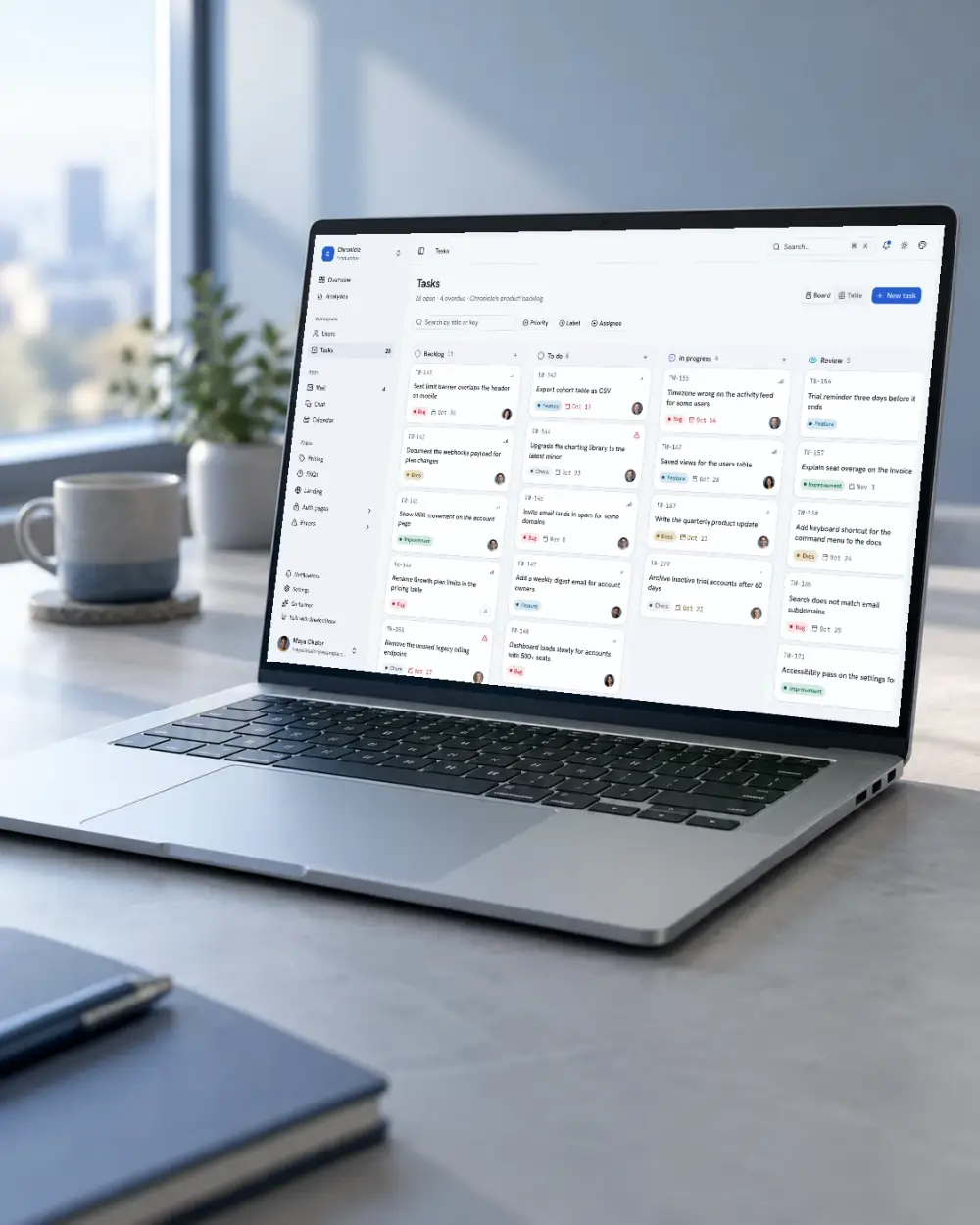
Users with saved views, filters, bulk actions, a record sheet and a detail page; Tasks as a drag-and-drop board and a table
Apps
Mail with resizable panes, chat, and a calendar with a month grid and agenda
Settings
Profile, account, appearance, notifications and connections, plus a notifications inbox
Pages
Pricing with a monthly and yearly toggle and a plan comparison, FAQs with topics and search, and the Frontier landing page
Auth
Sign in, sign up and forgot password, each in three layouts: split with art, centered card and full-bleed
Errors
401, 403, 404, 500 and under maintenance

Need a section the template does not have? Our data table blocks and dashboard widgets use the same components and theme.

Who it’s for

  • Developers starting a SaaS or internal tool who want the admin shell, auth and settings done so they can build the parts that are theirs.
  • Teams moving to shadcn/ui on Base UI who want a working reference for tables, charts, forms and dialogs on the new primitives.
  • Anyone wiring a dashboard to a real backend, who can swap one data adapter instead of rewriting screens.

Free and paid

Chronicle is the free member of a family of dashboard templates on the same Dashboard Kit. The paid templates add a complete business with its own screens and dataset, an assistant that proposes changes for your approval, and team, billing and API-key screens. Emporium, the e-commerce admin, is on sale now; Pro includes every template.

Tech stack and requirements

Next.js 16 with the App Router, React 19 and TypeScript 6, shadcn/ui on Base UI in the base-nova style, Tailwind CSS v4, TanStack Query and Table, Recharts, nuqs and zustand. You need Node.js 20.19 or later and pnpm: run pnpm install and pnpm dev. Version 3.0 runs on Next.js. A Vite edition of 3.0 is planned next; until it ships, version 2.0 is the Vite option and stays available on GitHub.
FAQ

Chronicle questions, answered

What people ask before they start, grouped so you can find yours.

Licence and cost (3)

Yes. Chronicle is open source under the MIT licence: no payment, no sign-up and no attribution required. Get it from GitHub.
Yes. MIT allows commercial use, client work and modification. Keep the licence file in your copy.
Chronicle gives you the frame: shell, customizer, data adapter, tables, charts and a set of general screens. The paid templates, such as Emporium, add a complete business on the same Kit, an approval-based assistant, and team, billing and API-key screens.

What’s in the template (3)

No. The screens run on sample data generated in the browser, so it works the moment you start it. Every screen goes through one data adapter, so connecting your API means rewriting one file.
Yes. Frontier, a full SaaS landing page, is in the same repository and shares the theme.
Not yet for 3.0. A Vite edition is planned next, on the same screens. Until it ships, version 2.0 is the Vite option: it has Vite and Next.js and stays available on GitHub.

Setup and support (3)

Node.js 20.19 or newer and pnpm. Clone the repository, then run pnpm install and pnpm dev. No environment variables or keys.
Yes. Chronicle uses the same shadcn/ui setup as our blocks, so a block installs with the shadcn CLI and picks up your theme.
Open an issue on GitHub. For anything else, the support page reaches us.

Keep building

Every block below uses the same components and tokens, so it drops into Chronicle without restyling.

Chronicle · v3.0.0

Start from an admin that already works

Shell, tables, charts, settings and sign-in are done, so your first week goes to your product.

  • 31 pages on Next.js 16
  • shadcn/ui on Base UI, the same as our blocks
  • MIT-licensed, free for client work

Chronicle free

Get it free