


What is Emporium?
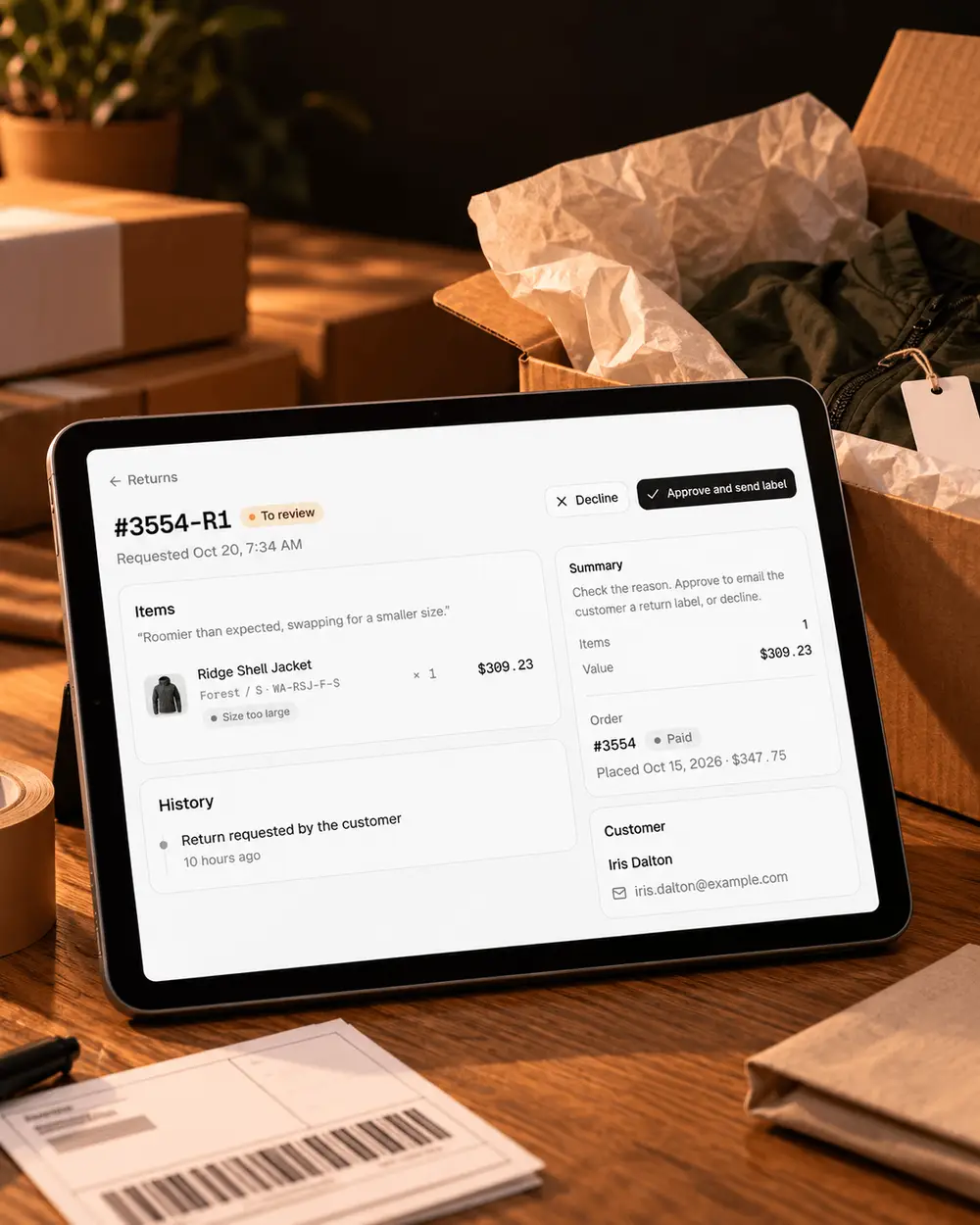
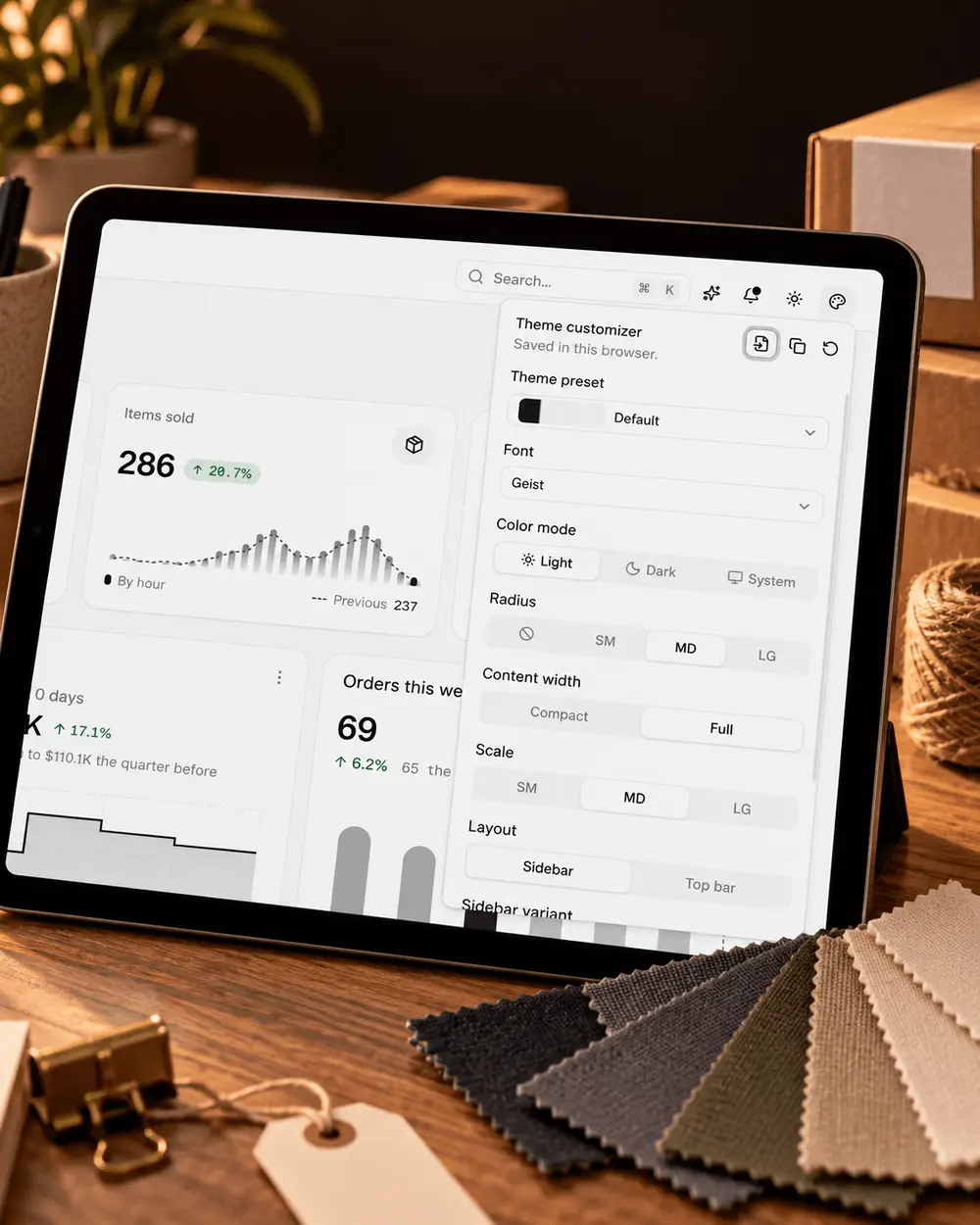
Emporium is a shadcn/ui e-commerce admin dashboard template for Next.js 16. It is the back office of an online store: the screens a team uses to ship orders, handle returns, manage products and stock, look after customers and read the numbers.
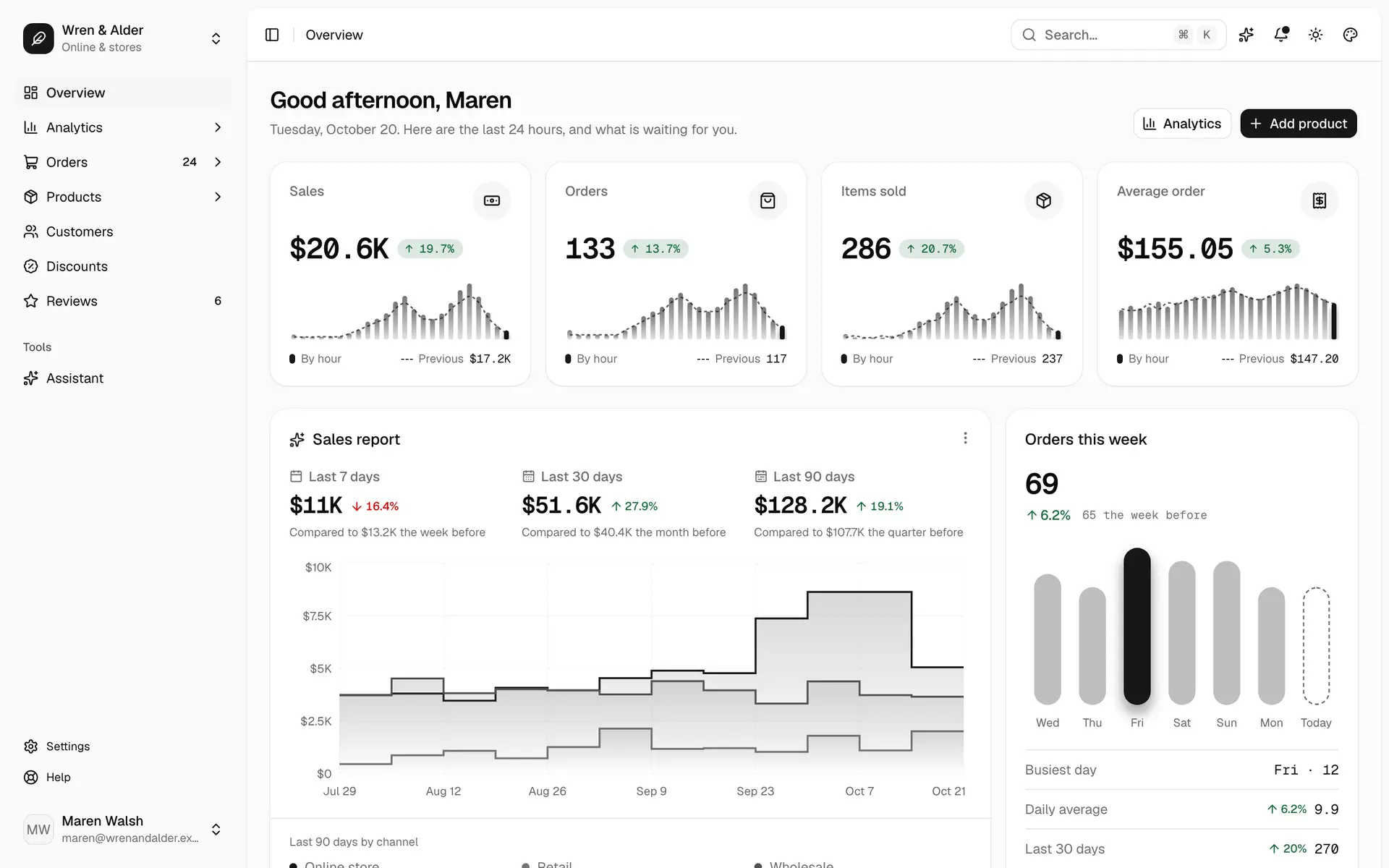
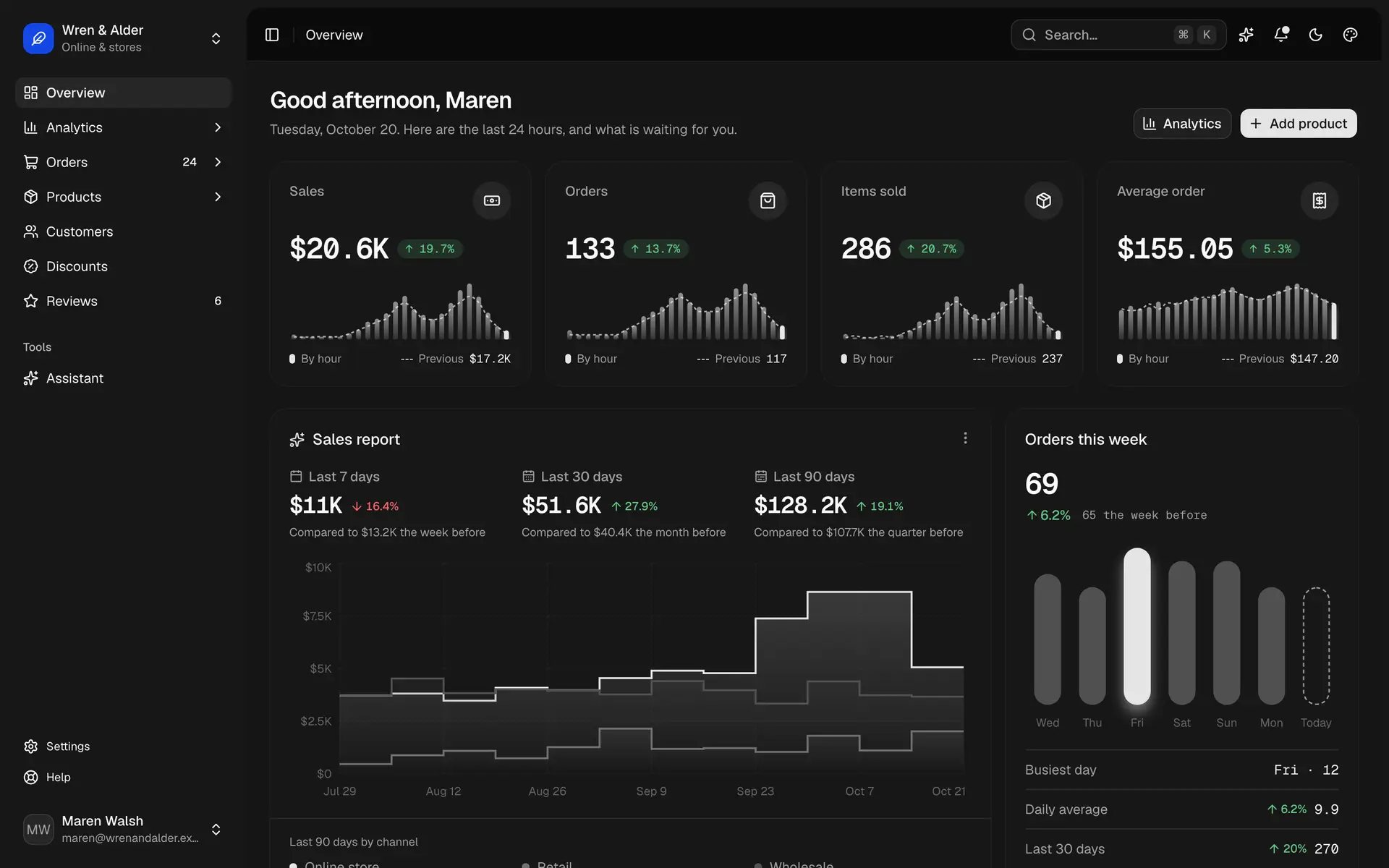
It runs a complete demo store, Wren & Alder, on data generated in the browser and dated to today. There is no backend, no API key and no environment file, yet every action works. Fulfil an order and it leaves the Unfulfilled tab, stock drops, and the to-do count on Home goes down.
What’s included
40 screens across the whole admin, plus the account and status pages most templates leave out.
- Home
- To-do strip, KPIs with period change, sales charts, top products, recent orders
- Orders
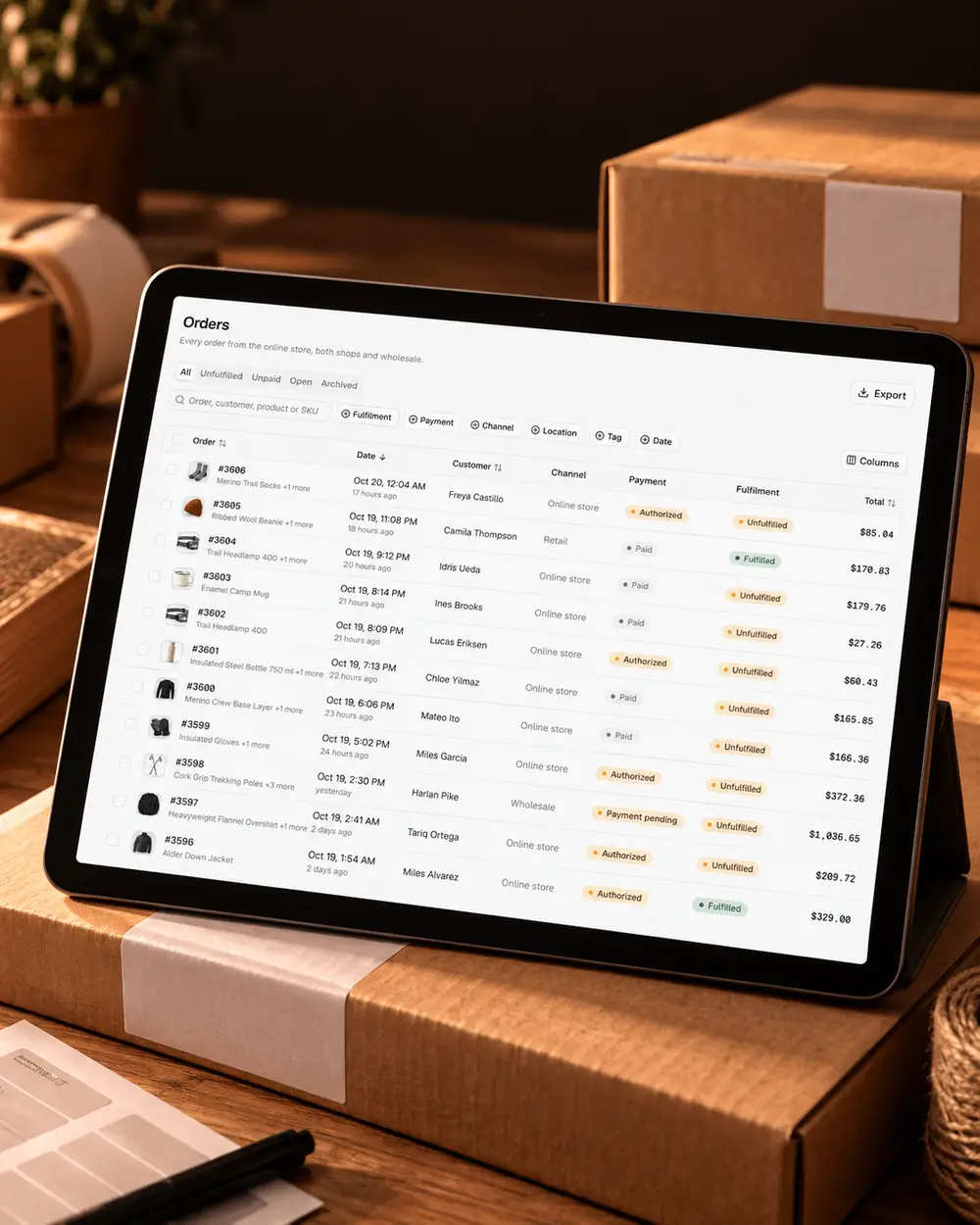
- List with saved views and bulk actions; order detail with fulfil, refund and cancel; create order; drafts; abandoned checkouts; returns from request to refund or exchange
- Products
- List and grid; editor with a size × colour variant matrix; manual and automated collections; inventory by location
- Customers
- List with segments; detail with lifetime value and activity
- Discounts and reviews
- Codes and automatic offers; a moderation queue with replies
- Analytics
- Every metric compared with the previous period
- Store assistant
- A side panel (⌘J) and a page that propose changes as approval cards
- Settings
- Store, locations, shipping, payments, taxes, emails, team, billing with plan changes, API keys, account
- Account and status pages
- Sign in, sign up, password reset, 2-step code, setup wizard, notifications, help, 403, 404, 500, maintenance
The storefront is not part of Emporium. For product pages, cart and checkout, use our e-commerce blocks, which share the same components and theme.
Who it’s for
- Agencies building a store admin for a client. Start from working screens, then spend the budget on what is specific to that business.
- Product teams replacing an off-the-shelf admin with their own, on the Next.js and shadcn/ui stack they already use.
- Developers who want to see how a real admin is put together: one data layer, every page state, keyboard flows and accessibility.
Compared with building your own
Our estimate for one experienced developer building each part well, with loading, empty and error states, keyboard support, phone layouts and dark mode:
- App shell, navigation, ⌘K and shortcuts
- 1 week
- Data tables with filters, saved views and bulk actions
- 1–2 weeks
- Orders with fulfil, refund and cancel
- 2 weeks
- Returns and exchanges
- 1 week
- Product editor with a variant matrix
- 1–2 weeks
In Emporium each of these is already built and tested against the same dataset, so the time goes into your own business rules instead.
Tech stack and requirements
Next.js 16 with the App Router, React 19 and strict TypeScript. The interface is shadcn/ui on Base UI with Tailwind CSS v4, data loads through TanStack Query, tables use TanStack Table, forms validate with Zod, and one typed data model in data/schema.ts describes every record. It is a normal Next.js app: pnpm build produces a build you can deploy anywhere Next.js runs.
You need Node.js 20.9 or later and pnpm. The project ships with unit tests for the data and its rules (pnpm test), type checks and linting. To add more sections, our data table blocks and dashboard widgets drop in without restyling.
Connecting your backend
Every screen reads and writes through one TypeScript interface, StoreApi, with one method per thing a screen needs: listOrders, fulfilOrder, saveProduct, adjustInventory and so on. The demo implements it in the browser. For production you write one implementation for your API or commerce platform and change a single export; no screen is touched.
Money is integer cents, dates are ISO strings, and lists take one query shape for paging, search, sorting and filters, which the screens keep in the address so filtered views can be shared. The included guide walks through a REST example, and our docs cover the shadcn/ui setup it builds on.