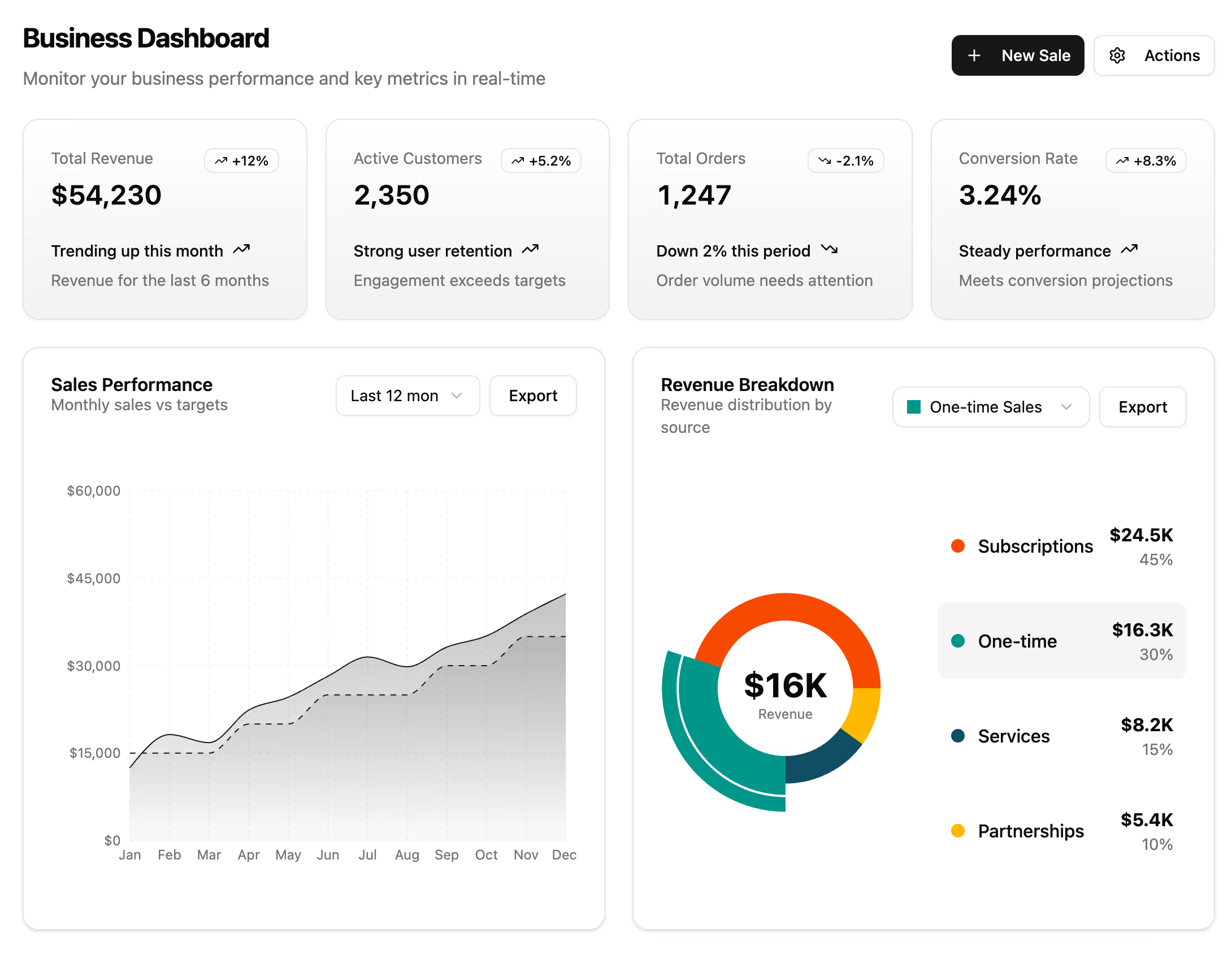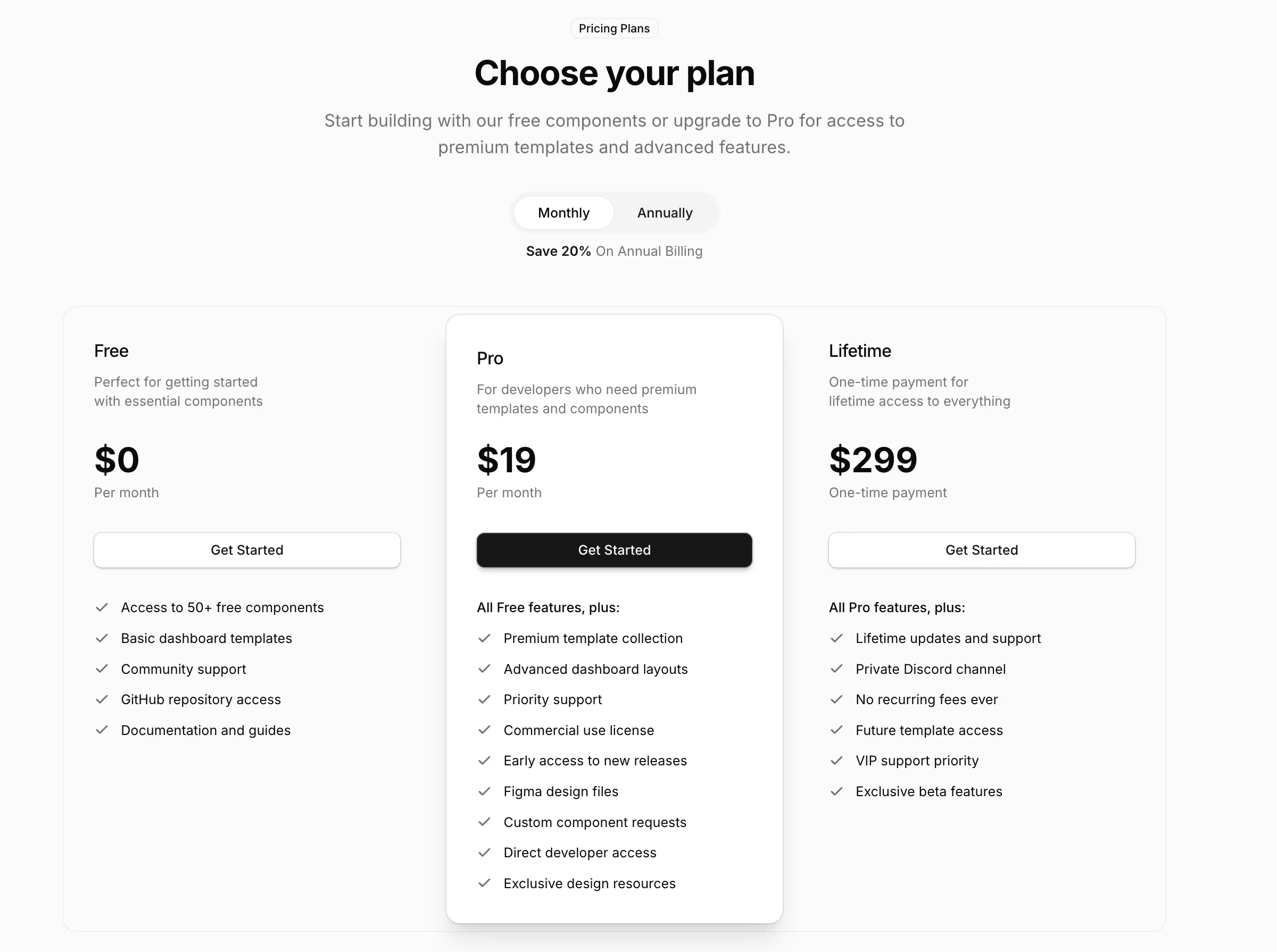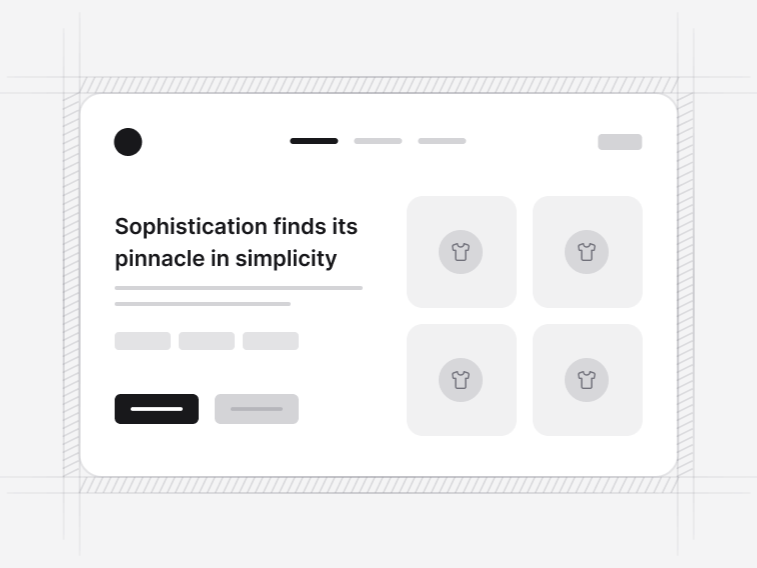
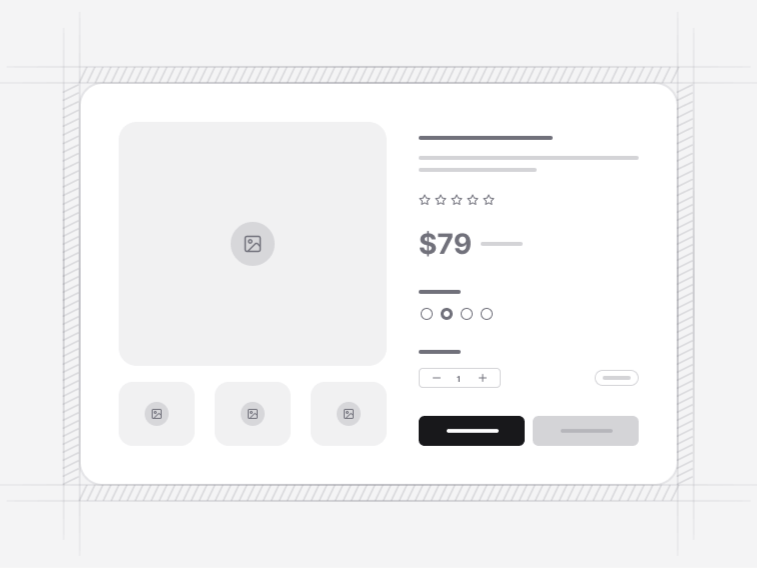
Shadcn ecommerce blocks for the buying journey#
Build a storefront in the same order a customer uses it. These React components handle the interface and its interaction states while product data, inventory, tax, payments and fulfilment stay with the commerce services you already run.
What is a shadcn ecommerce block?#
A block is a complete, composed storefront section rather than a single primitive. A product grid, not a Card. A cart drawer with quantity steppers, a running subtotal and an empty state, not a Sheet. Each one arrives as source code the shadcn CLI writes into your project, so it becomes yours to edit rather than a dependency you configure from the outside.
A storefront block in this collection typically carries:
- Real interaction state, so variants, quantities, filters and totals actually change
- The states a real shop hits: sold out, low stock, empty cart, no results, payment declined
- A designed mobile layout rather than a desktop one squeezed narrower
- Keyboard and screen reader behaviour inherited from the underlying Base UI primitives
- Sample data in a typed file, so swapping your catalogue in is a data change
The nine ecommerce block collections#
- Storefront hero sections: the opening frame, from a collection banner with buyable cards to a drop poster with a live countdown.
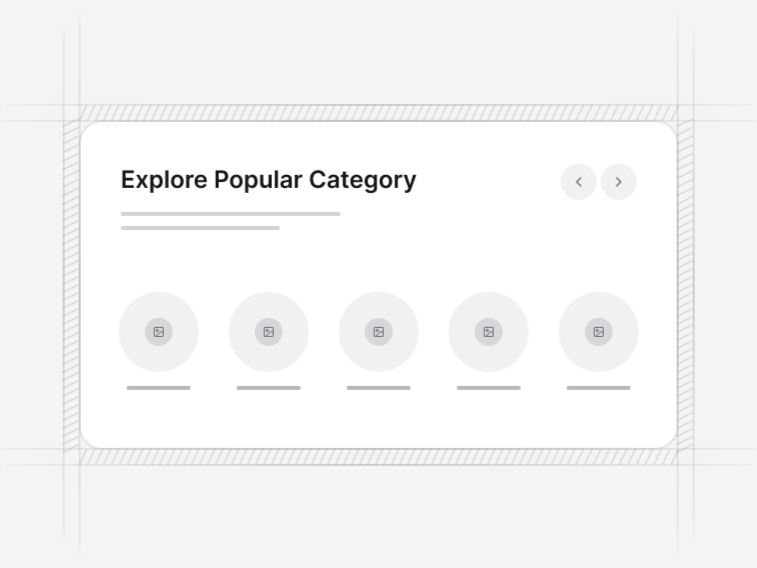
- Product categories: the department step for a catalogue too wide to open on products.
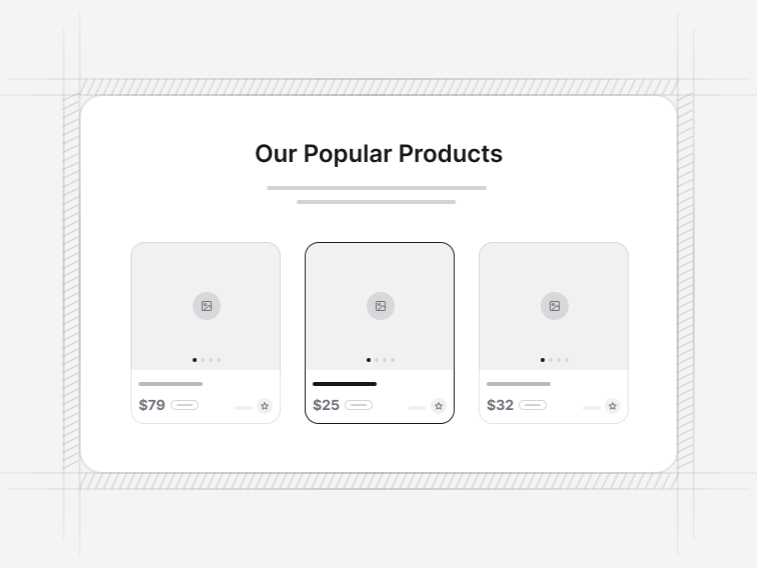
- Product lists and grids: image-led grids for browsing, and a table view for specification-led comparison.
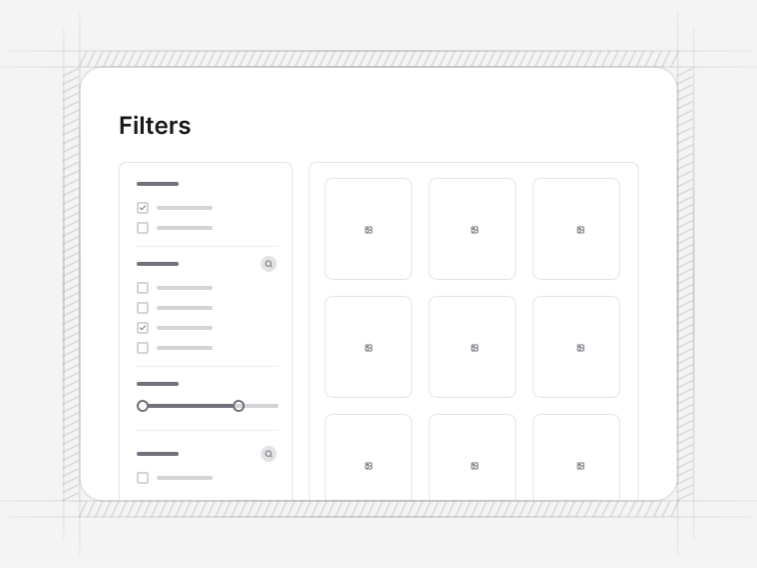
- Category filters: bars, sidebars, a mobile drawer with a settling result count, and a faceted search with correct counting.
- Product overviews: galleries, variant selection, a quick view dialog and a build-your-own configurator.
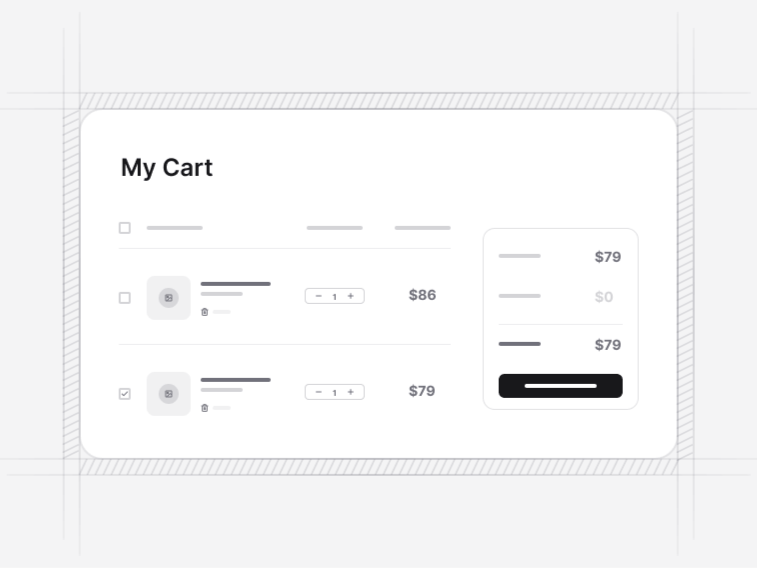
- Shopping carts: full cart pages, a collapsible drawer, and a cart paired with a saved-for-later list.
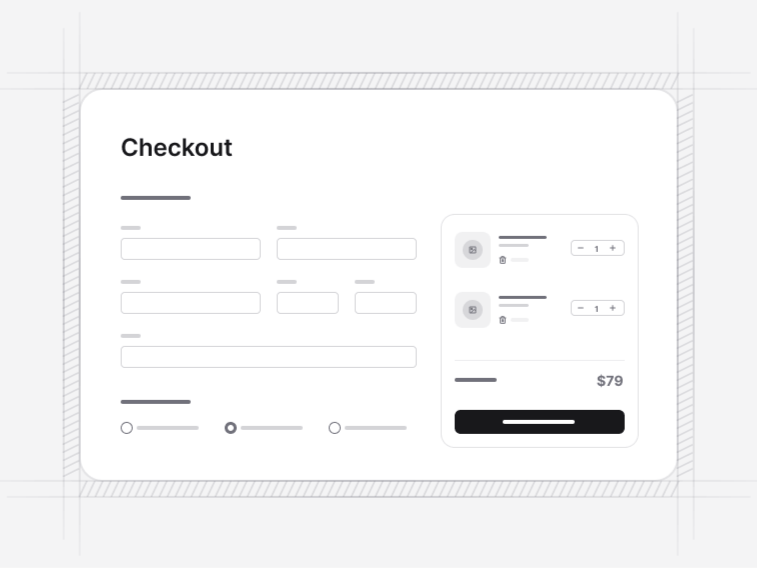
- Checkout forms: single page, guided multi-step, an instalment plan and an order confirmation with a fulfilment timeline.
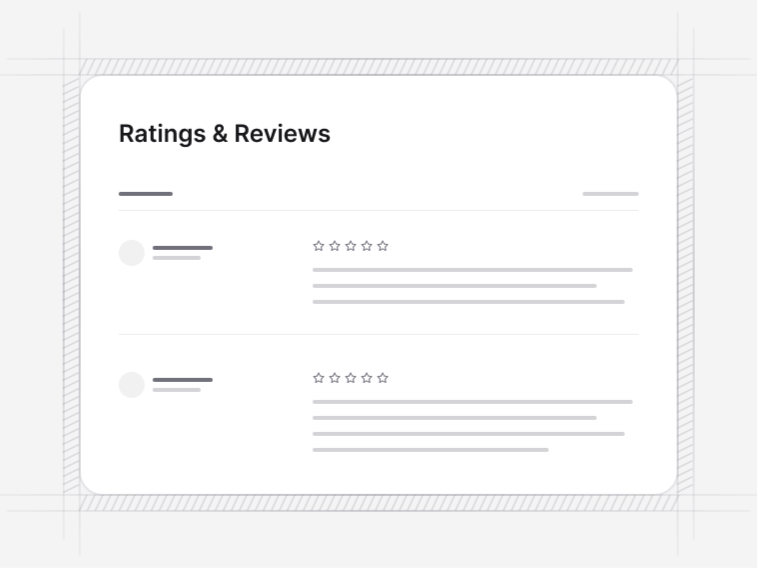
- Reviews & ratings: review lists, a per-star distribution and a write-a-review form.
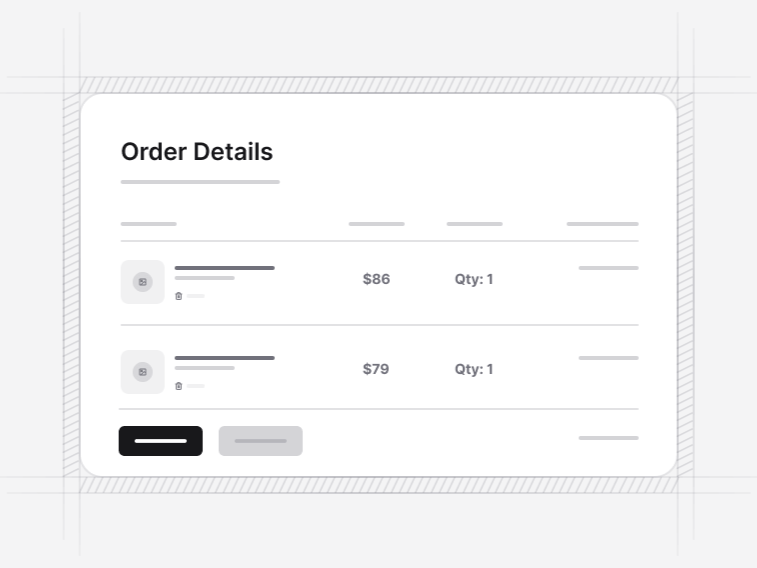
- Order history: a customer order list, a management table and a single-order detail page.
The order to build a storefront in#
Set the tone with a storefront hero, then route visitors into product categories or straight to a product grid. Add category filters once the catalogue needs price, rating, colour or availability controls.
A product detail page brings images, options, price and the purchase action together. From there, connect a shopping cart and a checkout form to your own state and payment flow. Ratings and reviews support the decision, and order history gives a returning customer an account worth signing into.
A storefront navbar sits above all of it, and a footer closes every page. Both live in the marketing category because a shop needs them for its non-shopping pages too.
What these blocks deliberately do not do#
They hold no product data, call no payment processor and know nothing about your tax rules or shipping rates. That is the point. A block that shipped with a Shopify client baked in would be useless over Medusa, and a checkout that claimed to take a payment would be lying about where the risk sits.
What you get instead is the part that is slow to build and easy to get wrong: the states. A sold-out variant that disables the buy action rather than failing at the cart. A filter combination returning nothing that names the filter to relax. A cart drawer with a designed empty state, which is one of the most visited screens in any shop.
Types of storefront these blocks suit#
- DTC brands: an editorial hero, a small category set and a product page that carries the story as well as the specification.
- Large catalogues: the faceted search, the sidebar filters and the table-style product listing, where a shopper compares numbers rather than photographs.
- Marketplaces: nothing in the product, cart or checkout blocks assumes a single seller, and the listing cards cover the vendor surfaces a marketplace also needs.
- Subscription and metered products: the instalment checkout for exact schedules, paired with the pricing tables in the marketing category.
- B2B and trade shops: the order history table, the quantity-led product listing and an account area built on the app shells.
Start from a finished store instead#
If you want the assembled flow rather than separate sections, start with an ecommerce template and customise it. Our blog also walks through building a shadcn storefront block by block.