Verification screens, and the failure paths that matter#
Verification is where an account flow proves who somebody is, and it is almost entirely made of edge cases. A wrong code, an expired link, a cancelled biometric prompt, a browser with no passkey support, a phone that never receives the message. These six are built around those.
The six verification blocks#
- Verify 1: two-factor code entry with a resend cooldown, backup codes and lockout. Free.
- Verify 2: email verification covering the check-inbox, verified and expired states.
- Verify 3: passkey sign-in with a biometric ring, a magic-link fallback and an unsupported-browser layout.
- Verify 4: phone verification end to end, with country entry, a draining cooldown ring, a voice fallback and lockout.
- Verify 5: document capture with an extraction reveal, confidence flags, eligibility results and actionable rejections.
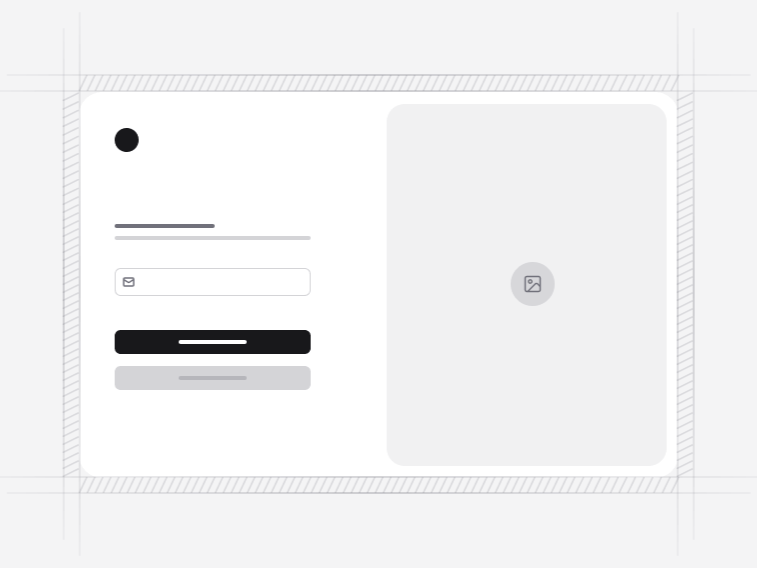
- Verify 6: a split-screen identity check with the code entry beside the thing it protects.
Two-factor code entry#
Verify 1 covers the whole screen: a segmented input that accepts a paste of the full code, a resend control with a visible cooldown rather than a silently ignored click, backup codes as a route out, and an attempt-based lockout that names the backup option instead of leaving somebody stuck at a dead end.
Passkeys, and the fallbacks that matter more#
Verify 3 handles the passkey path, but the valuable part is what happens when it does not work: a neutral cancellation state rather than an error, a magic link and an authenticator as alternatives, and a designed layout for browsers with no support. Passkey availability is still uneven, so a screen without fallbacks locks out a real share of users.
Phone verification#
Verify 4 covers country-aware formatting, one-time-code autofill, a cooldown you can see draining, a voice call fallback for anybody whose network drops the message, and lockout after repeated attempts. The voice fallback is the one usually skipped and the one that rescues the accounts you would otherwise lose entirely.
Masked addresses and what to reveal#
The email screens show a masked address, keeping enough to confirm you used the right one without printing it in full on a screen somebody else might be reading. It is a single value you already have from the token check, so there is no reason to render more than that.
The expired link#
Verification emails sit unread, so the expired state is the screen people actually reach. Verify 2 designs it and offers a fresh link from the same page rather than sending somebody back to the start. Every one of these states, including the failures, is announced through a live region so a screen reader user learns the code was wrong at the same moment everyone else does.
Where verification sits#
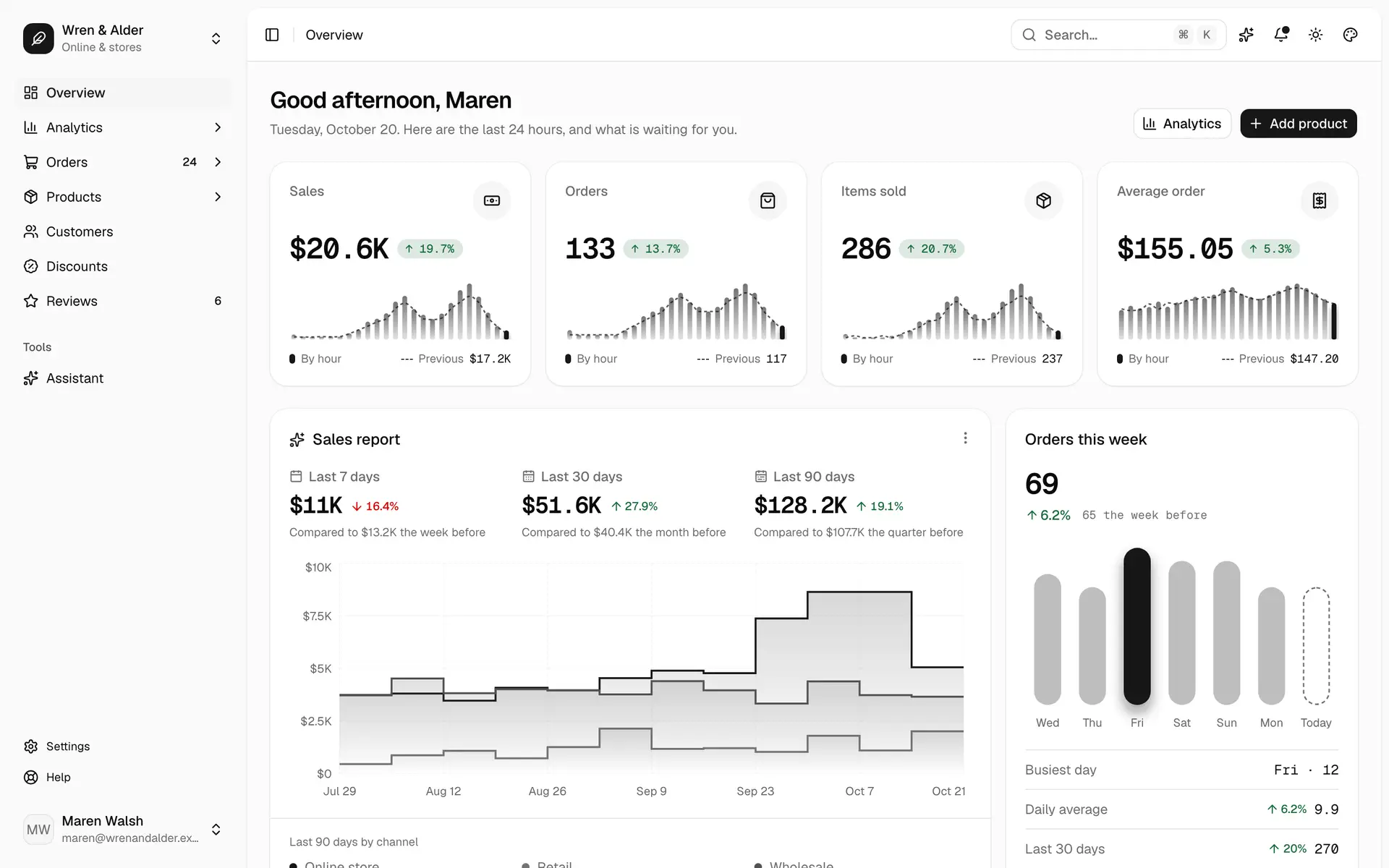
Between the signup form and the login form, and as the second factor on a returning sign-in. It shares its layout language with password recovery, so an account flow keeps one design from first visit to recovery, and lands inside the app shell once identity is settled.