Password recovery, including the expired link#
A reset flow is four screens, and most implementations design two of them. The request, the confirmation, the new password and the failure. These six cover all four, including the expired link, which is the screen people actually reach.
The six recovery layouts#
- Forgot Password Page 1: the full four-step flow covering email, one-time code, new password and confirmation. Free.
- Forgot Password Page 2: a simple reset request with an email confirmation screen.
- Forgot Password Page 3: the multi-step reset with a verification code between the request and the new password.
- Forgot Password Page 4: the four-step flow with labelled fields and a resend-code action.
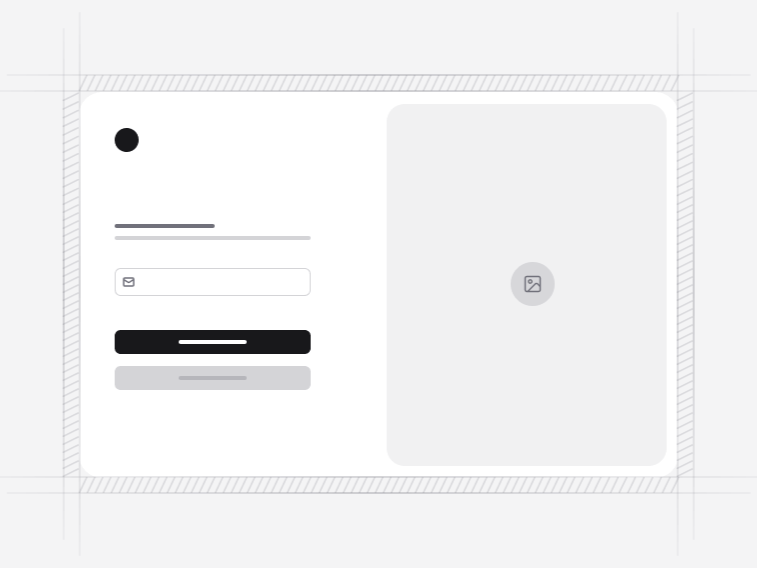
- Forgot Password Page 5: a two-column layout with an illustration.
- Forgot Password Page 6: a split-screen flow across the email, code, new password and success states.
Never say whether the address exists#
Every one of these screens returns the same confirmation whether or not the email is registered. A different message turns the form into an account enumeration tool, which is a real vulnerability disguised as helpfulness.
The confirmation wording still has to feel like an answer, though, or people submit again. Saying that a link has been sent if an account exists, and naming how long it takes to arrive, does both jobs.
Reset links or reset codes#
A link is fewer steps and works badly when somebody requests it on a desktop and opens their mail on a phone. A code, as in Forgot Password 3, keeps the whole flow in one tab, which suits products where people already receive codes for other reasons. Introducing a second channel purely for resets adds a support burden most small products do not want.
The expired link screen#
This is the one that gets skipped, and the one most people hit, because reset emails sit unread for a day. The expired state here is designed rather than a generic error, and it offers a fresh link from the same screen instead of sending somebody back to the beginning to type their address again.
The new password step#
Requirements appear before the field is filled rather than as an error afterwards, and the strength indicator updates as somebody types. A reset is the worst moment to discover a rule, because the person is already locked out and already irritated. Confirming the new password is optional here; a reveal toggle solves the same problem with less typing.
Where recovery sits in the account flow#
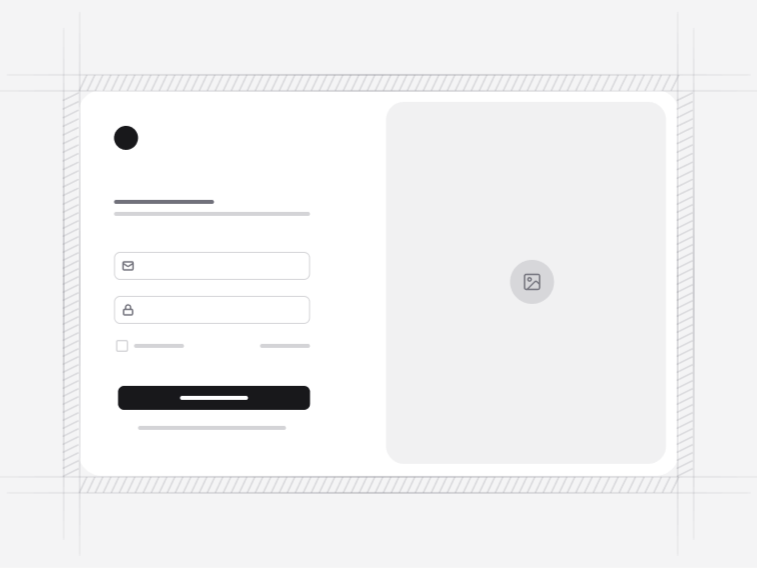
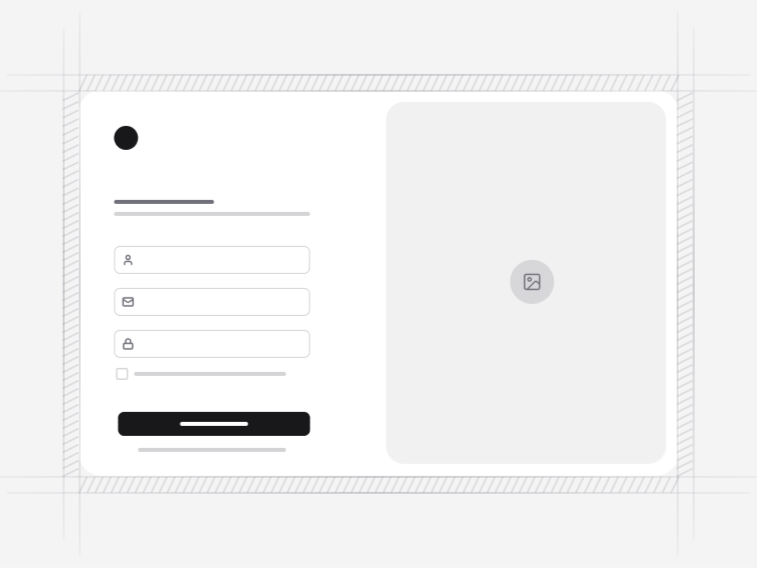
It is reached from the login form and returns there on success. It shares its layout language with the signup form and the verification screens, so an account flow keeps one design from first visit to recovery.