Order history for customers and for the people supporting them#
An order screen answers one question at a time: where is it, what was in it, and what can I do about it. These five cover the customer view, the operational table, and the single-order page that has to answer all three at once.
The five order history blocks#
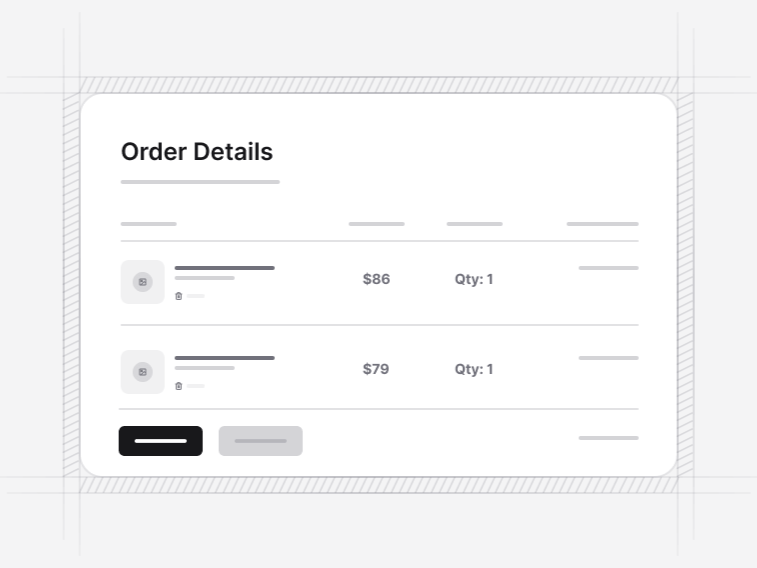
- Order History 1: a table with item thumbnails, dates, quantity, price and an invoice download. Free.
- Order History 2: an order list grouped by status with tracking and details actions per order.
- Order History 3: a tabbed history with a date-range filter, invoices, reorder and review actions.
- Order History 4: the management table with sorting and pagination, for staff rather than customers.
- Order History 5: a single-order page with a fulfilment timeline, per-shipment items, address and payment summary, and returns, reorder and invoice actions.
The customer view and the operations view#
A card list reads better for somebody with eleven orders; a table is the only workable shape for staff handling eleven thousand. Order History 4 is the second case, with sorting and pagination built for volume. Trying to serve both with one screen usually produces something too dense for the customer and too shallow for support.
Multi-parcel orders#
Order History 5 groups items by shipment rather than listing everything under one tracking number. This is the detail that makes tracking make sense: an order that ships in two parcels has two states, and flattening them into one status is how a customer ends up believing a delivered order is missing half its contents.
Order status as a small vocabulary#
Statuses are a fixed set with consistent colour rather than free text, and the same severity language is used across the account screens. A shopper should be able to learn the vocabulary once. A screen with placed, processing, in progress and being prepared as four separate states is a screen nobody can read at a glance.
The actions that belong on an order#
- Track, while the order is in transit and not after
- Invoice, always, because somebody will need it at the end of a tax year
- Reorder, which is the highest-value action on the page for consumables
- Return, within the window, with the reason captured at the point of request
- Review, once delivered, which is the only moment a customer is likely to write one
Where order history sits#
In the customer account, reached after a checkout confirmation, and inside an app shell when it is the staff-facing version. The reorder action leads back to the cart, and the review prompt to the review form.