Home / Blocks / Marketing / FAQ Sections
5 blocks in this section

Shadcn FAQ Components

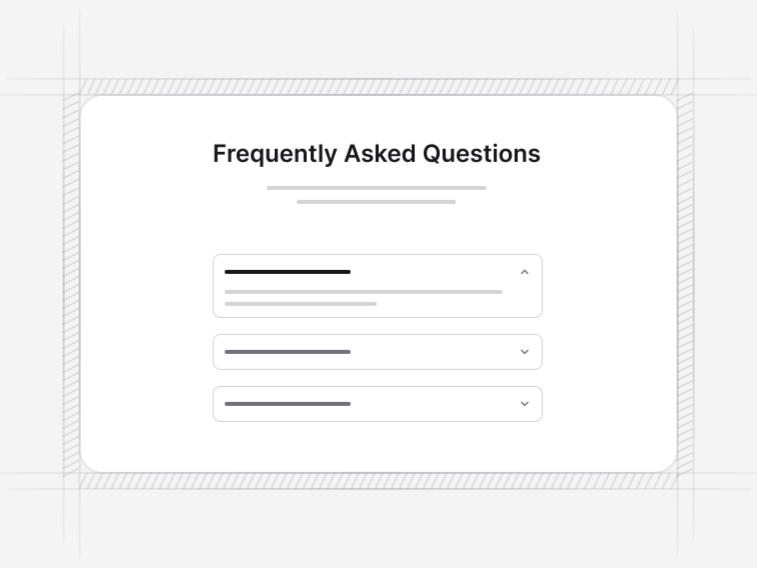
Answer customer questions with FAQ sections built on shadcn/ui, from a simple accordion to a genuinely functional search that matches inside answers.

Jump to a faq section block

5 blocks in this collection

Free Pro

  1. FAQ Block 1 Free
  2. FAQ Block 2 Pro
  3. FAQ Block 3 Pro
  4. FAQ Block 4 Pro
  5. FAQ Block 5 Pro

How it works

Three steps to working code

Install a block and the files land in your repository. Nothing calls back to us.

  1. terminal

    $ npx shadcn@latest add @shadcnstore/faq-block-1

    ✓ Checking registry

    ✓ Installing dependencies

    01

    Run one command

    Every preview above prints its own. The CLI writes the block and the components it needs into your project.

    Installation docs
  2. your project 3 files added

    components/

    ├─ ui/

    ├─ button.tsx

    └─ navigation-menu.tsx

    └─ faq-block-1.tsx

    02

    Get real files

    React, TypeScript and Tailwind v4, with no framework imports. Next.js, Vite, Remix and Astro all work.

  3. faq-block-1.tsx

    <Menu.Trigger

    - asChild

    + render={<button />}

    />

    03

    Edit it as your own

    Built on Base UI, not Radix, so keyboard and focus behaviour come from the primitive.

Blocks that hold state already carry the use client directive the Next.js App Router needs.

Guide

FAQ sections, and the schema that goes with them#

An FAQ earns its place by answering what the page above it leaves open. These five differ in how much they help a long question set stay readable, and one of them generates its structured data from the questions it actually renders.

The five FAQ blocks#

  • FAQ Block 1: a bordered single-column accordion with several items openable at once. Free.
  • FAQ Block 2: a single-open accordion with an underline trigger style and a two-paragraph intro.
  • FAQ Block 3: a borderless two-column layout for a longer set.
  • FAQ Block 4: a card-style accordion with a search field as a visual affordance.
  • FAQ Block 5: a working search that highlights matches inside answers, composes with categories, and emits FAQPage structured data from the rendered list.

FAQPage structured data#

FAQ Block 5 generates its schema from the questions on the page, which means the markup and the visible content cannot drift apart. That matters because the most common structured-data error on an FAQ is publishing questions that were edited or removed months earlier.

Publish the schema on one page per question set. If the same questions appear on a pricing page and a dedicated FAQ page, mark up the one you want in results, not both.

Single-open or multiple-open#

Single-open keeps a long page short and is what FAQ Block 2 does. Multiple-open is better when people compare two answers side by side, which is common on licensing, billing and delivery questions. FAQ Block 1 does that, and the behaviour is one prop either way.

Searching inside answers#

FAQ Block 4 shows a search field as an affordance; FAQ Block 5 makes it work. The distinction that matters is where it searches: matching only question titles misses most of what people type, so block 5 searches the answers too, highlights the match inside the text and expands the item automatically.

Writing the questions#

  • Use the wording people actually use, not the internal term for the thing
  • Answer in the first sentence, then explain; nobody reads to the end of an accordion
  • Include the awkward questions, because the page loses more from looking evasive than from a hard answer
  • Link out where the real answer is longer, rather than reproducing a whole page inside a panel
  • Six to ten questions on a product page; past about fifteen, use the two-column or searchable layout

Where an FAQ section belongs#

Directly under the pricing table is the highest-value position, because the questions a price raises are predictable. It also works as the closing section of a features page, and beside a contact form, where answering the common questions first measurably reduces the number of messages you have to answer twice.


FAQ

FAQ Sections questions, answered

What people ask before choosing a block from this collection.

FAQ Block 5 generates FAQPage structured data from the questions it actually renders, so the markup and the visible page can never drift apart. The simpler accordions leave schema to you, which is the right default when the same questions appear in more than one place on a site.
FAQ Block 5. It filters as you type, highlights the matched words inside the answers rather than only the questions, and expands a matching item automatically. FAQ Block 4 shows a search field as a visual affordance only, so reach for block 5 when the search has to do something.
Single-open keeps a long page short and is what FAQ Block 2 does. Multiple-open, as in FAQ Block 1, is better when readers compare two answers side by side, which is common on pricing and licensing questions. Both behaviours are one prop.
Enough to answer what the page leaves open, and no more. Six to ten is typical for a product page. Once the set passes about fifteen, the two-column layout in FAQ Block 3 or the categorised search in block 5 stops it reading as a wall.
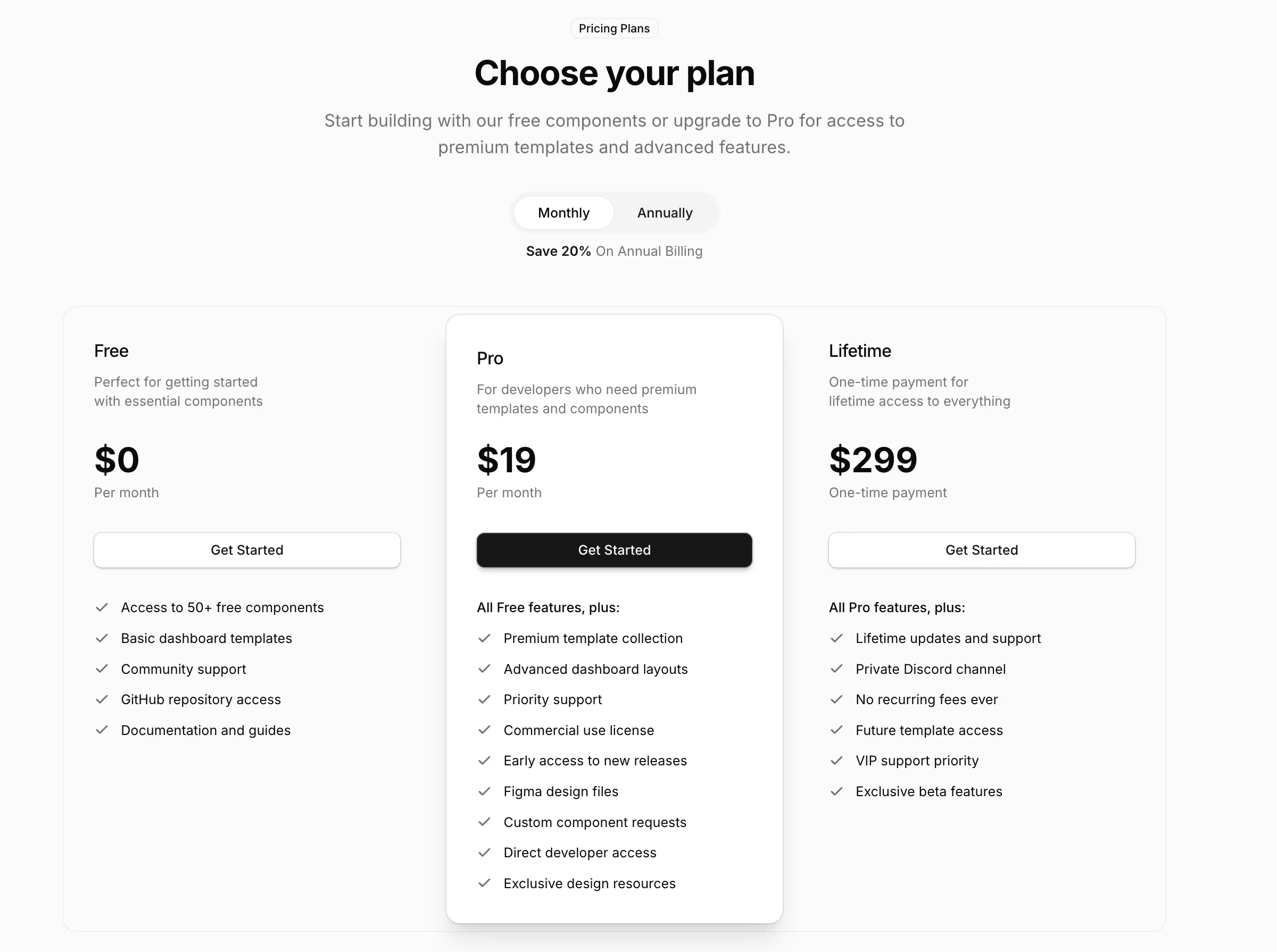
FAQ Block 1, the bordered single-column accordion, is free. The underline, two-column, card and searchable variants are Pro. See the pricing page for licence details.

Documentation

The components behind these blocks

How to install, customise and combine the shadcn/ui components this collection is built from.

Free & Premium Templates

Launch Faster with Complete Templates

Love these blocks? Get our free dashboard and landing page templates with 30+ pre-built pages and all the components you need. Premium templates with advanced features launching soon at $69.

Free Templates Now
30+ Pages Included
Premium Coming Soon