Shopping carts, drawers and the empty state#
The cart is where a shop finds out whether it can count. Quantities that update a subtotal, promo codes that either apply or explain why not, a saved item that moves without vanishing, and an empty state that leads somewhere. These five cover the page, the drawer and the combination with a wishlist.
The five cart blocks#
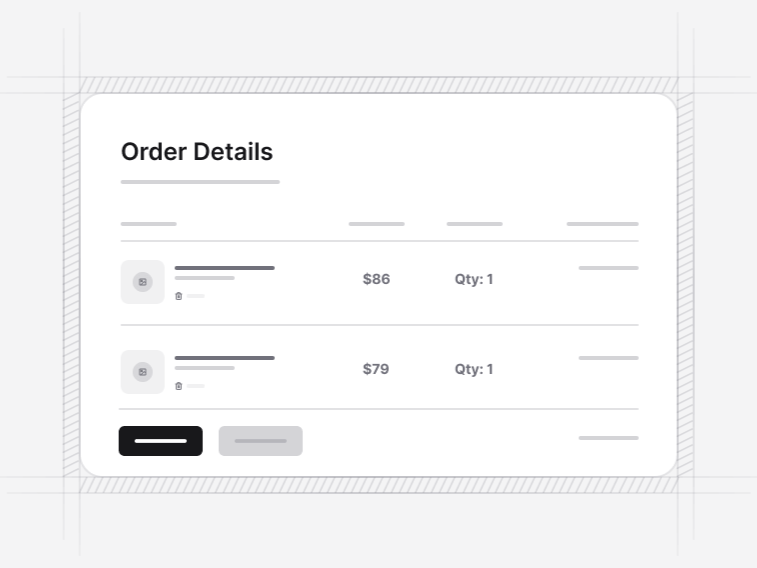
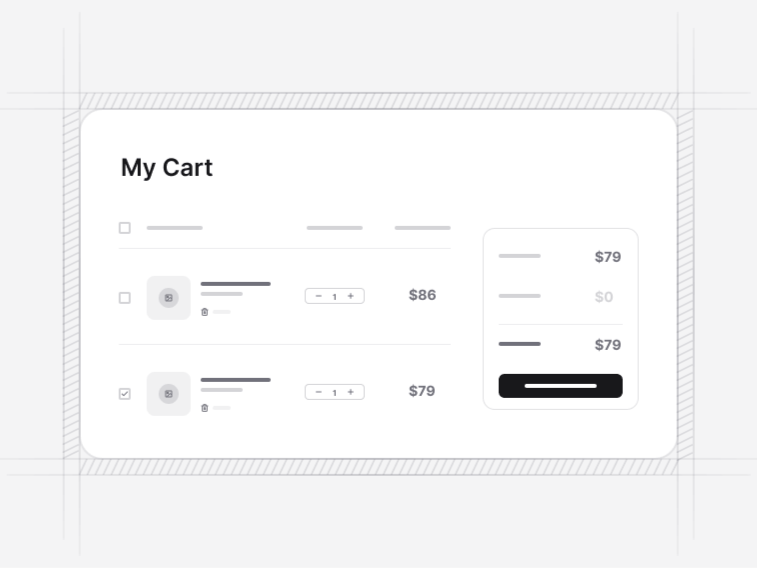
- Shopping Cart 1: a detailed summary with multiple items and discounts. Free.
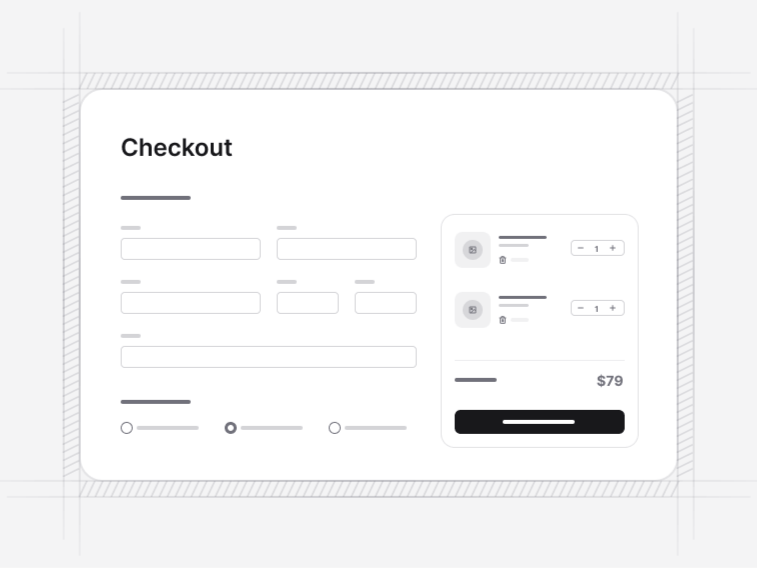
- Shopping Cart 2: a cart with promo code entry and shipping information, the total recalculating as values change.
- Shopping Cart 3: a compact summary with an item list and a total, for a sidebar or a short basket.
- Shopping Cart 4: a collapsible cart sidebar with progress tracking and quick checkout.
- Shopping Cart 5: cart and wishlist together, where moving an item between the two animates the row travelling, with stock warnings, price-drop badges and separate empty states.
A cart page or a cart drawer#
A drawer keeps somebody in the catalogue, which suits impulse-led shops and small baskets. A full page suits larger baskets, promo codes and shipping estimates, where the shopper has stopped adding and started reviewing. Most shops end up with both: a drawer that confirms the add, and a page for the review before checkout.
Promo codes and shipping estimates#
Shopping Cart 2 includes promo entry with the total recalculating live. Validating a code is a server decision, so the block renders the accepted and rejected states and leaves the check to your endpoint. The rejected state is the one that matters: an expired code should say it expired rather than saying invalid, because those two send the customer to different places.
The empty cart is a real screen#
Every cart here has a designed empty state with a route back into the catalogue. It is one of the most visited screens in any shop, reached by everybody who removed their last item and everybody arriving from a bookmark, and leaving it blank wastes the moment somebody is most likely to keep browsing.
Saved for later, and stock that changes#
Shopping Cart 5 pairs the cart with a wishlist and animates a row travelling between them, so a shopper can see where the item went rather than watching it disappear from one list and hoping. It also carries the two states a saved item eventually hits: gone out of stock, and dropped in price. Both are worth surfacing, since a price-drop badge is one of the few notifications a customer actively wants.
What sits either side of the cart#
A product detail page or a product grid feeds it, and a checkout form follows. The storefront navbar carries the cart button and its count, which is where most sessions actually open the drawer from.