Home / Blocks / Application / Error Pages
4 blocks in this section

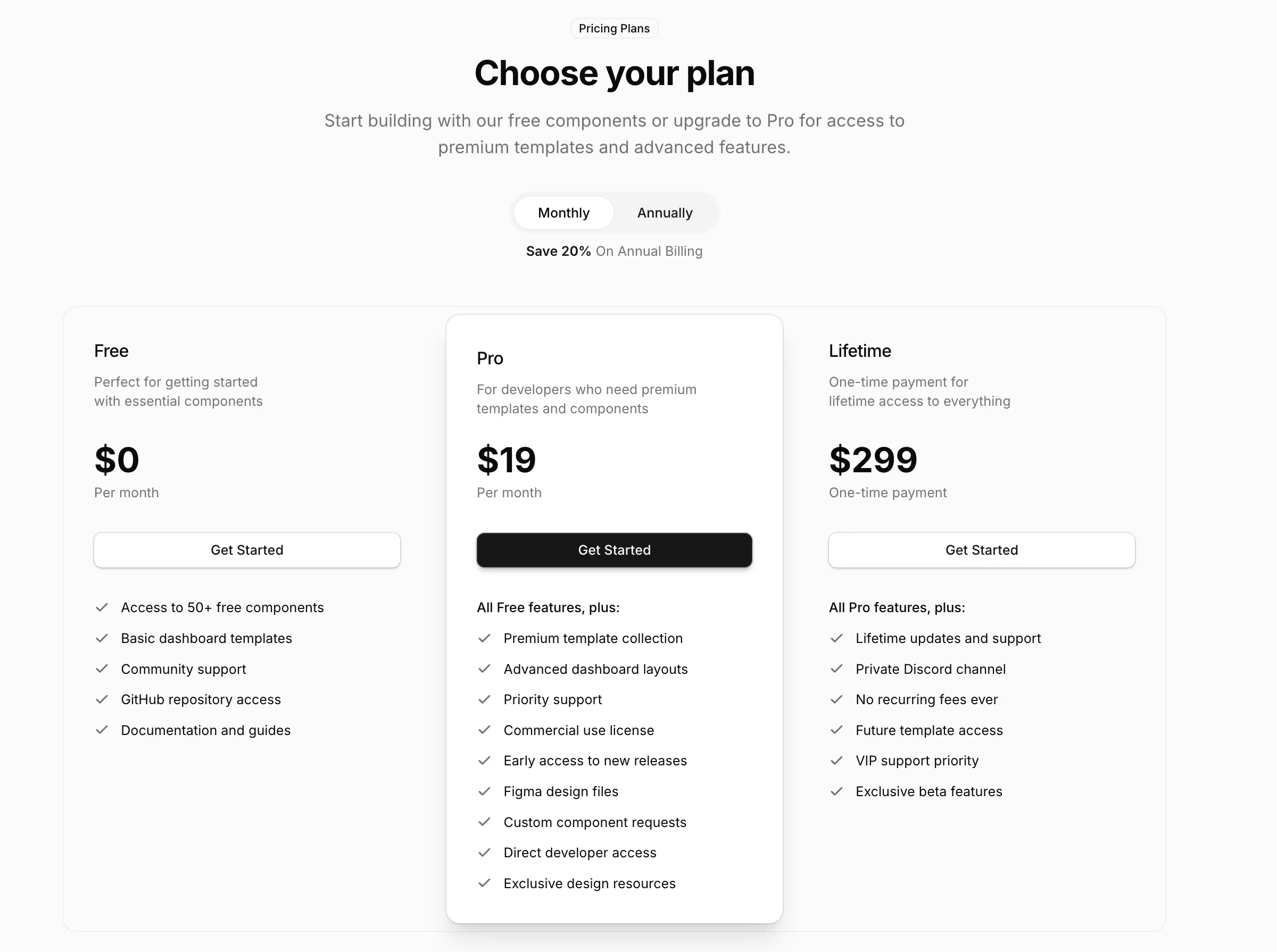
Shadcn Error Pages and 404 Screens

Error and maintenance page layouts built on shadcn/ui, including an interactive 404 with search and a maintenance page with a countdown.

Jump to an error page block

4 blocks in this collection

Free Pro

  1. Error Page 1 Free
  2. Error Page 2 Free
  3. Error Page 3 Pro
  4. Error Page 4 Pro

How it works

Three steps to working code

Install a block and the files land in your repository. Nothing calls back to us.

  1. terminal

    $ npx shadcn@latest add @shadcnstore/error-page-1

    ✓ Checking registry

    ✓ Installing dependencies

    01

    Run one command

    Every preview above prints its own. The CLI writes the block and the components it needs into your project.

    Installation docs
  2. your project 3 files added

    components/

    ├─ ui/

    ├─ button.tsx

    └─ navigation-menu.tsx

    └─ error-page-1.tsx

    02

    Get real files

    React, TypeScript and Tailwind v4, with no framework imports. Next.js, Vite, Remix and Astro all work.

  3. error-page-1.tsx

    <Menu.Trigger

    - asChild

    + render={<button />}

    />

    03

    Edit it as your own

    Built on Base UI, not Radix, so keyboard and focus behaviour come from the primitive.

Blocks that hold state already carry the use client directive the Next.js App Router needs.

Guide

Shadcn error pages that recover the visit#

A 404 is not a dead end unless you design it as one. Somebody arrived from a search result, an old link or a typo, and they still want the thing they came for. These pages are built to offer that next step rather than to apologise politely and stop.

The four error pages in this collection#

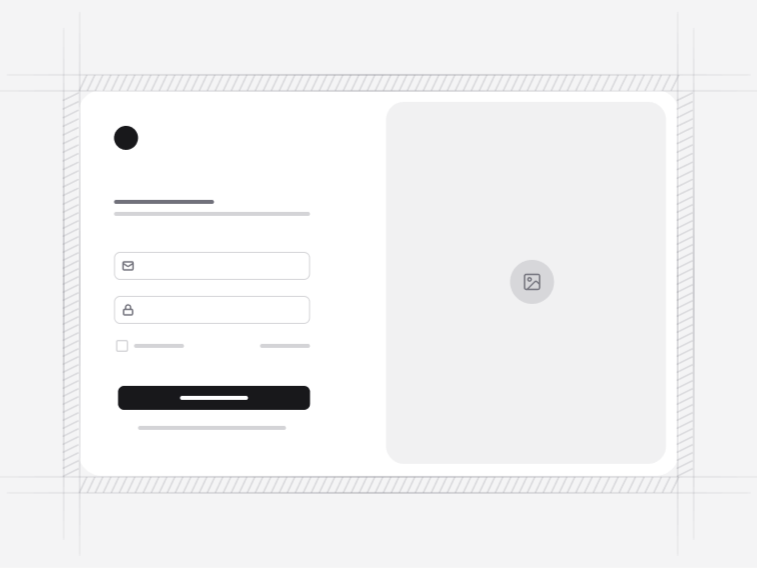
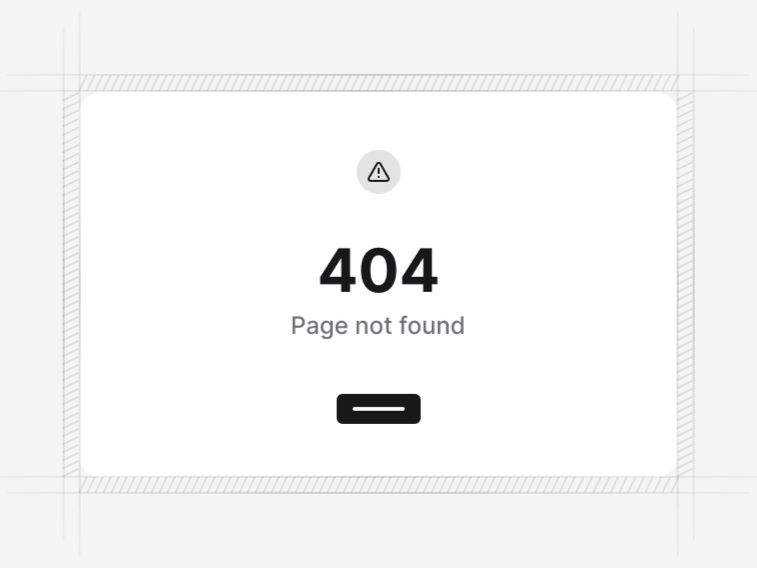
  • Error Page 1 (centred 404): an illustration, a home link and a contact action. Free, and the right default for a small site.
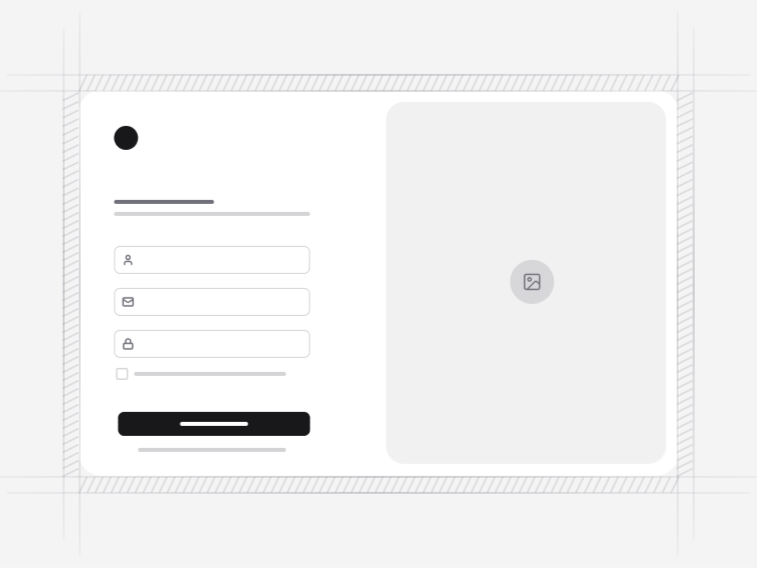
  • Error Page 2 (split 404): the brand mark beside the illustration with a single home action, for a site where the error page should still look like the brand. Free.
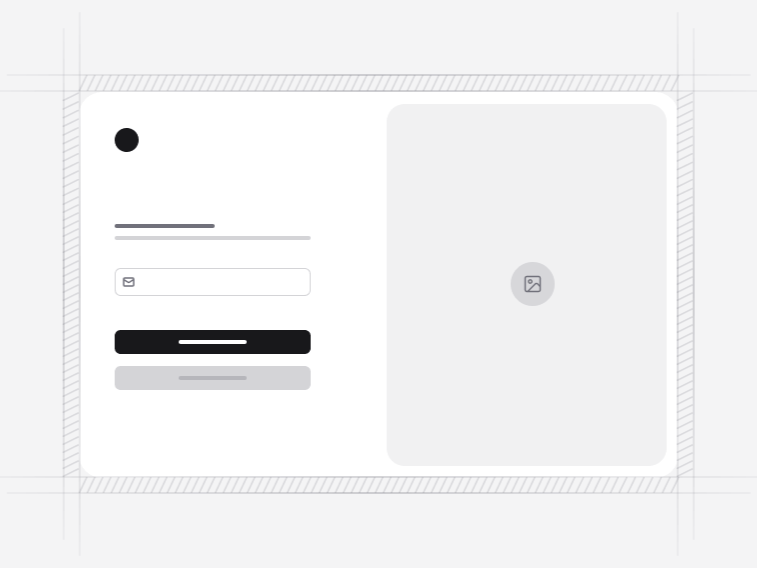
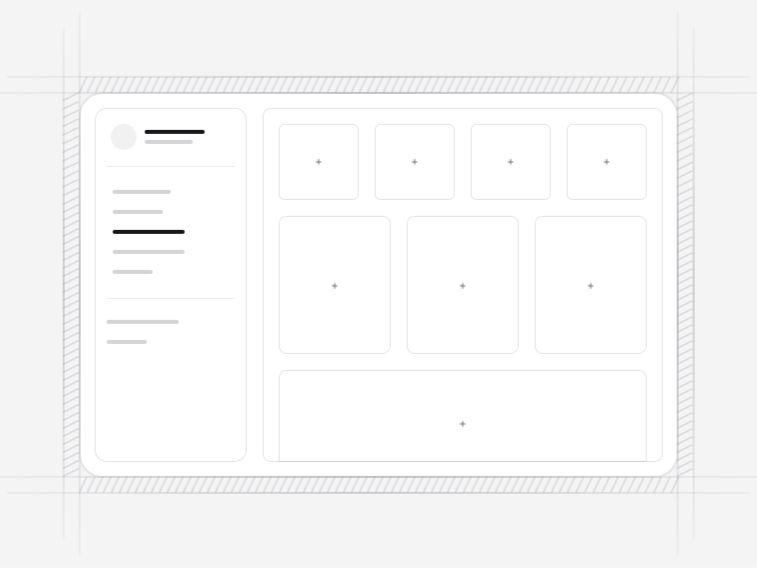
  • Error Page 3 (interactive 404): the message paired with search and help options, which is the version that actually recovers traffic.
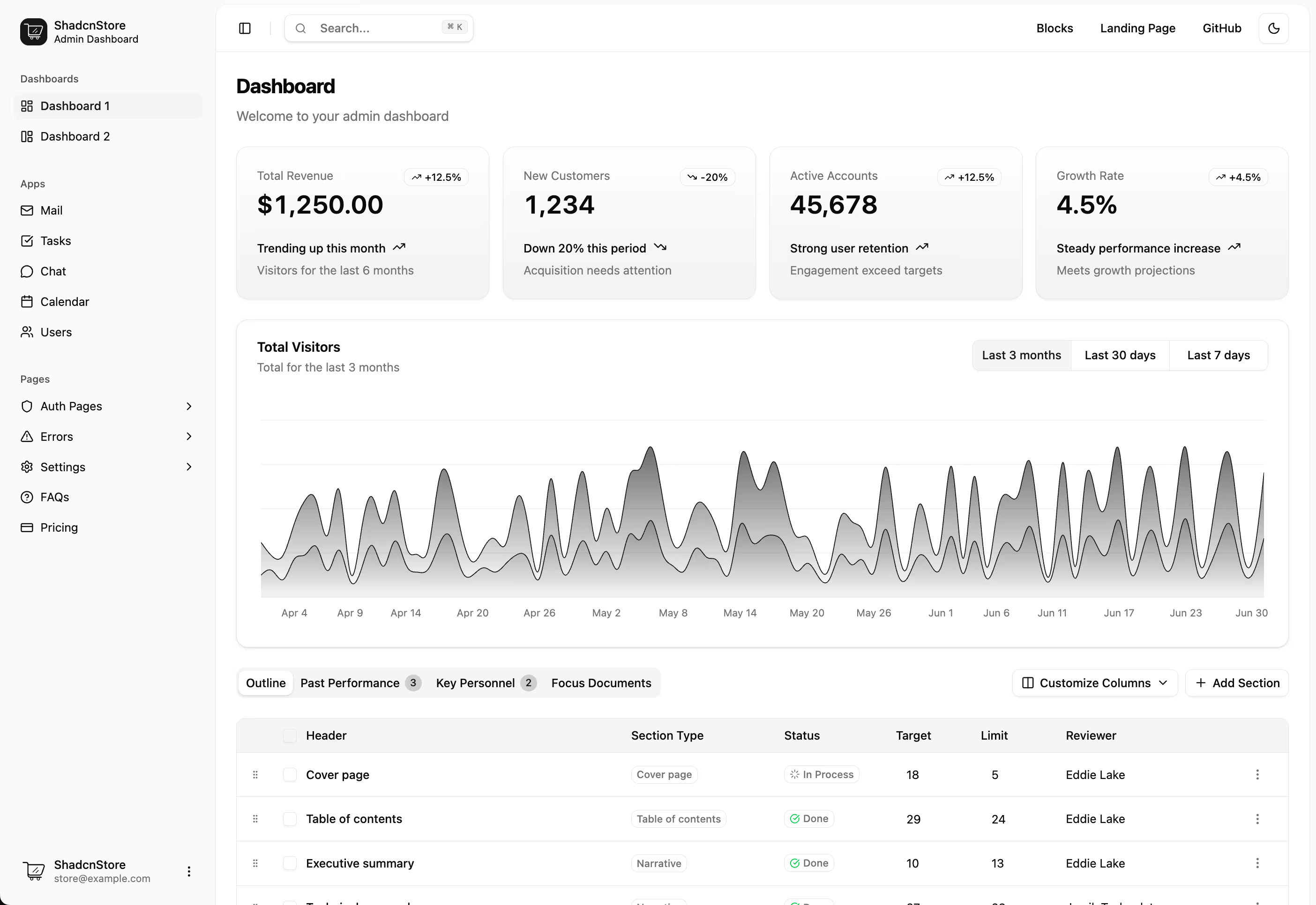
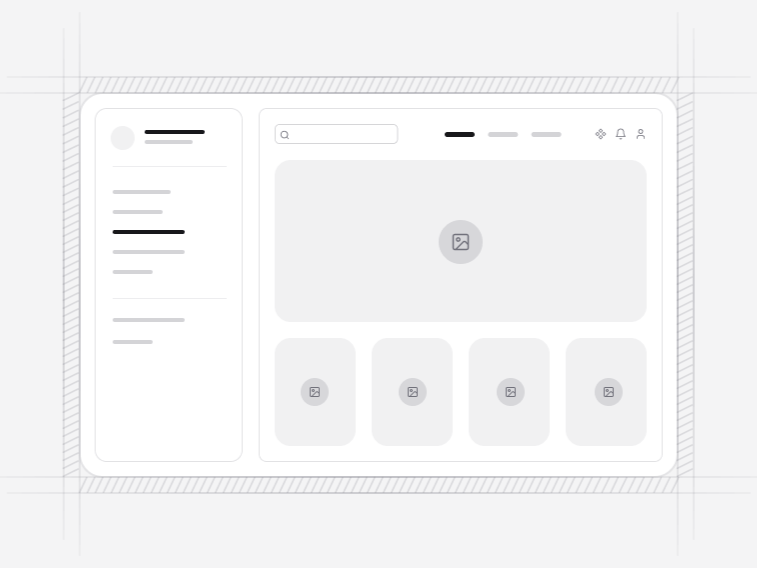
  • Error Page 4 (maintenance): a countdown and progress, so a visitor gets an expected return time instead of an unbounded wait.

What a 404 page should offer#

A link to the home page is the least useful option, because somebody who wanted the home page would have gone there. Better, in order: a search box, the section they were probably heading for, and a way to report the broken link. Error Page 3 carries the first two.

Keep the response code correct as well. A page that looks like a 404 but returns 200 is a soft 404, and search engines treat a site full of them as a site that cannot be trusted about what exists.

404, 403, 500 and maintenance#

The layouts take the code and the message as content, so one page serves every status. The wording should not be shared, though, because the next step differs: a missing page wants search, a permission error wants a sign-in or an account switch, a server fault wants a status page and a time to try again, and planned maintenance wants a countdown.

Error Page 4 covers the last of those. Set its end time from your own deploy window and be generous with it, since a countdown that expires while the site is still down is worse than no countdown.

Not found pages and search visibility#

An error page is one of the few pages you hope nobody sees, which is exactly why it gets forgotten. Two things are worth checking once: that the page returns the right status code, and that it is excluded from your sitemap. Both are easy to get wrong when the error page is a route like any other.

Where these sit alongside the rest of the product#

An error page should wear the same clothes as the pages around it, so it takes its navigation from the navbar and footer on a marketing site, or sits inside the app shell in a signed-in product. For an unauthorised state, the login form is usually the better destination than a generic message, and an empty state inside the screen itself handles the case where the page is fine and the data simply is not there yet.
FAQ

Error Pages questions, answered

What people ask before choosing a block from this collection.

A route onward, not an apology. Error Page 3 pairs the message with search and help options, which is the difference between a page that ends a visit and one that recovers it. A link back to the home page alone rarely helps someone who arrived from a search result.
Error Page 4 is a maintenance screen with a countdown and progress, so a visitor gets an expected return time instead of an unbounded wait. Set the time from your own deploy window and be conservative with it.
The layouts take the code and message as content, so the same screen serves 404, 403, 500 and anything else. Keep the wording specific per code, since a server fault and a missing page need different next steps.
Error Page 1 and Error Page 2 are free. The interactive 404 with search and the maintenance page are Pro. See the pricing page.

Documentation

The components behind these blocks

How to install, customise and combine the shadcn/ui components this collection is built from.

Free & Premium Templates

Launch Faster with Complete Templates

Love these blocks? Get our free dashboard and landing page templates with 30+ pre-built pages and all the components you need. Premium templates with advanced features launching soon at $69.

Free Templates Now
30+ Pages Included
Premium Coming Soon