




What is Frontier?
Frontier is a free shadcn landing page template for SaaS products and web apps, built on shadcn/ui with Base UI and Tailwind CSS v4. It is a complete page rather than a hero and a grid: product story, social proof, pricing and support, ready for your copy.
It is open source under the MIT licence and maintained by ShadcnStore. The same repository holds Chronicle, a full admin dashboard, so the marketing site and the app share one theme from the start.
What’s included
One landing page in 14 sections, each in Next.js 16.
- Top of the page
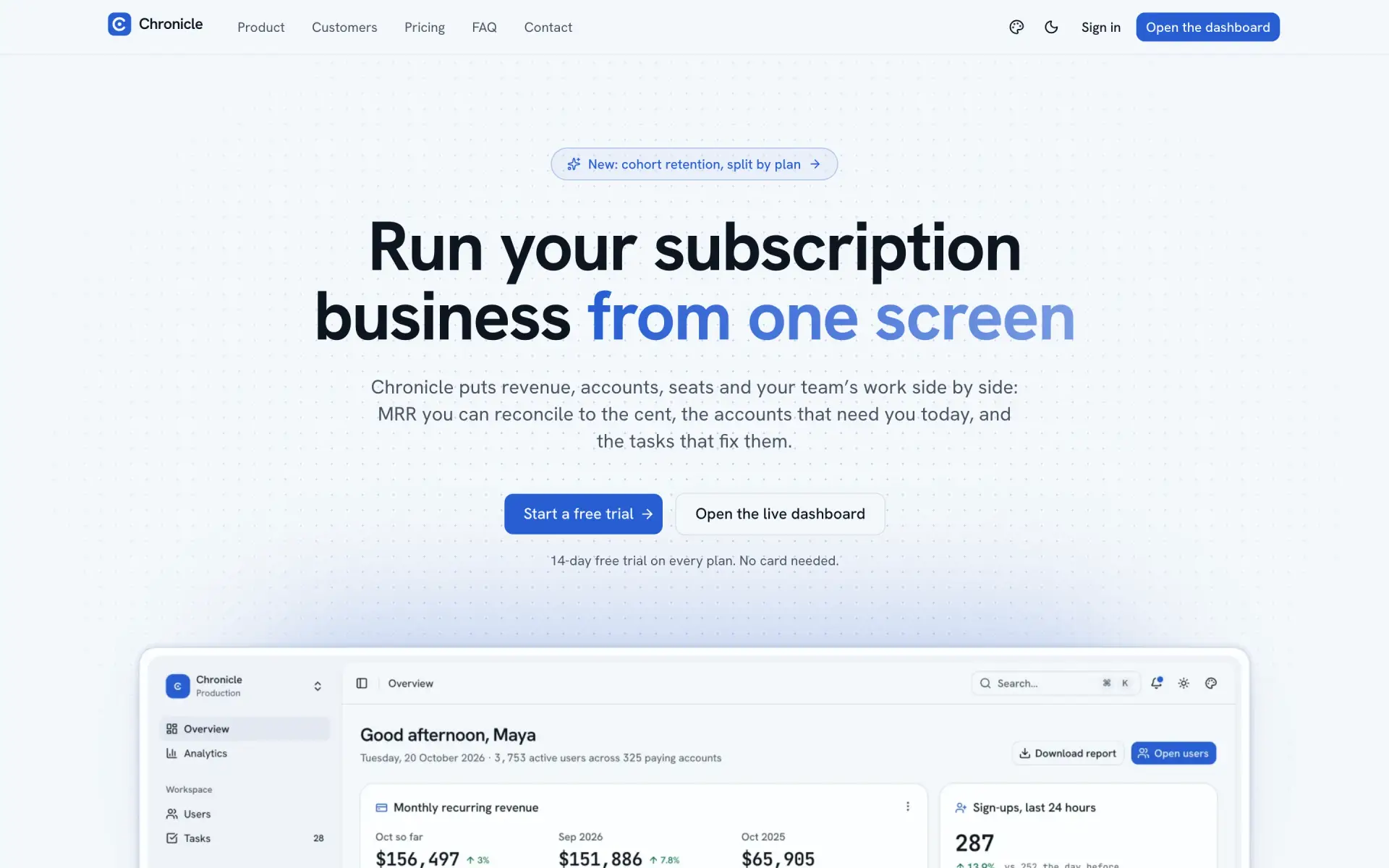
- Navbar with a mobile menu, a hero with a light and dark dashboard preview, a logo strip and stats
- Product story
- About, two feature rows with screenshots, and the team
- Conversion
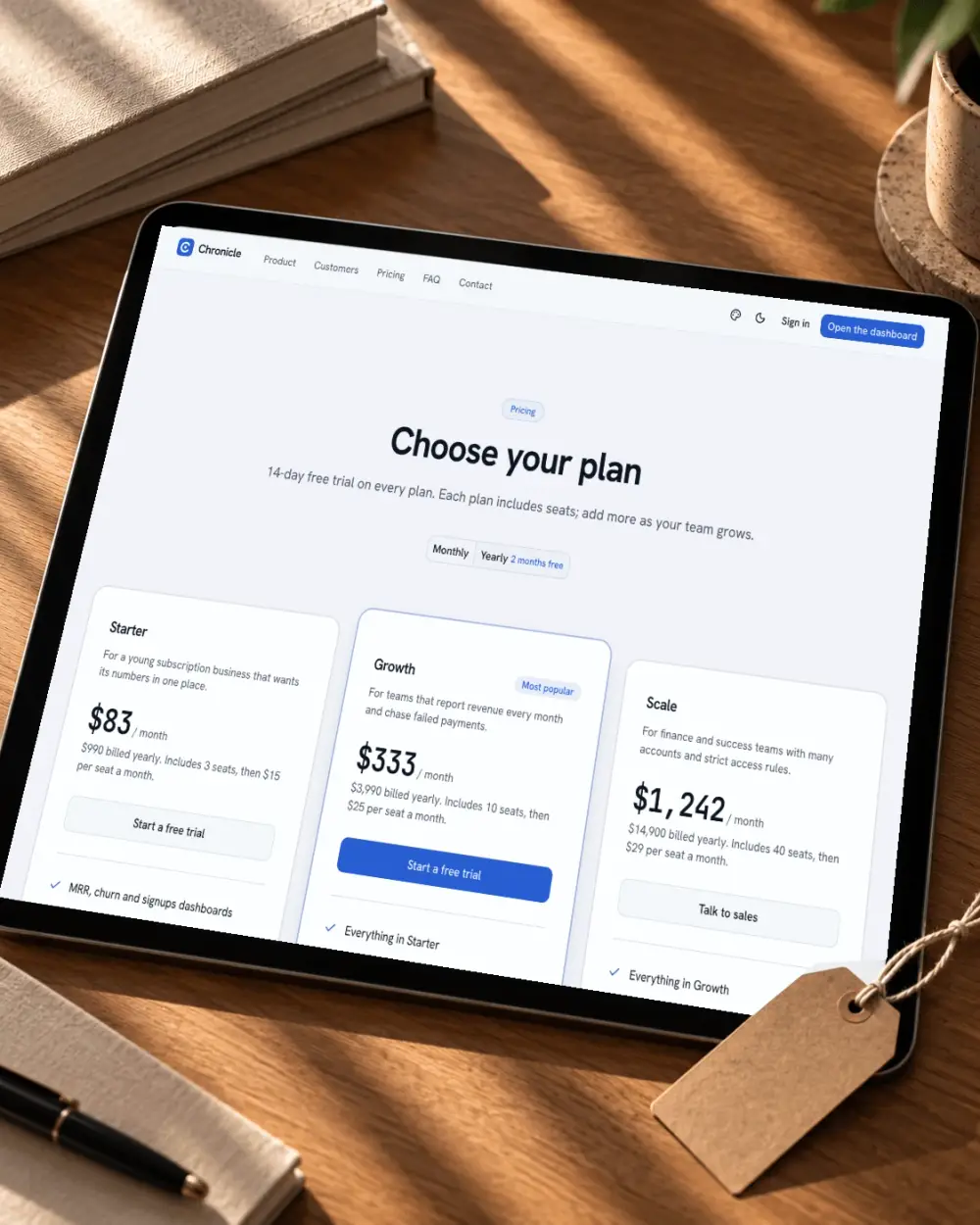
- Pricing with a monthly and annual toggle, testimonials and a call to action
- Support
- Blog previews, an FAQ accordion, contact options with a form, and a footer
- Theming
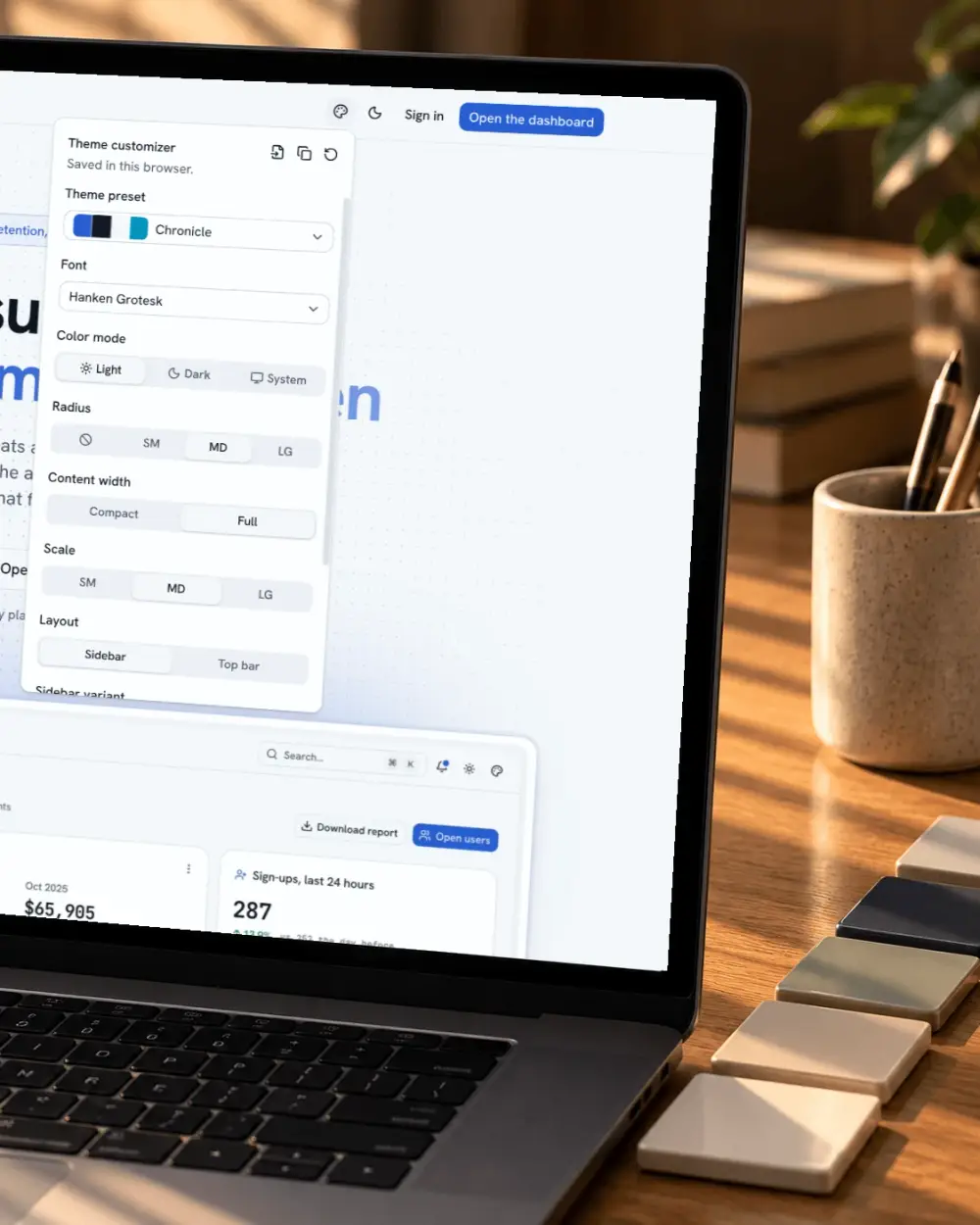
- A live customizer with presets, tweakcn import, radius and colour mode
Want a different hero or pricing layout? Our hero sections, pricing sections and testimonials use the same components and theme, so they replace a section without restyling.
Who it’s for
- SaaS founders who need a launch page this week and would rather edit copy than lay out sections.
- Agencies building product sites on shadcn/ui, who want a full page to adapt per client under a licence that allows it.
- Developers pairing a marketing site with an app, using Frontier and Chronicle from the same repository.
Making it yours
Copy lives inside each section component, so editing a headline means opening one file. Colours, radius and fonts come from shadcn/ui tokens in one CSS file, and the customizer shows the result before you change any code. To reorder the page, move the section in page.tsx; to remove one, delete its line.
Tech stack and requirements
React 19 and TypeScript 6, shadcn/ui on Base UI in the base-nova style, and Tailwind CSS v4. Run it as a Next.js app or export it as static files you can serve from anywhere. You need Node.js 20.19 or later and pnpm. The shadcn/ui setup matches our blocks, so any of them installs with the shadcn CLI.