Shadcn UI blocks for marketing, ecommerce, and apps.
Browse complete React and TypeScript sections for landing pages, storefronts, dashboards, authentication, and common product workflows.

Marketing
Start with a hero, explain the product with feature blocks, add proof, and close with a clear call to action. Each section is responsive and ready to adapt to your React or Next.js project.

Navbars
5 Components
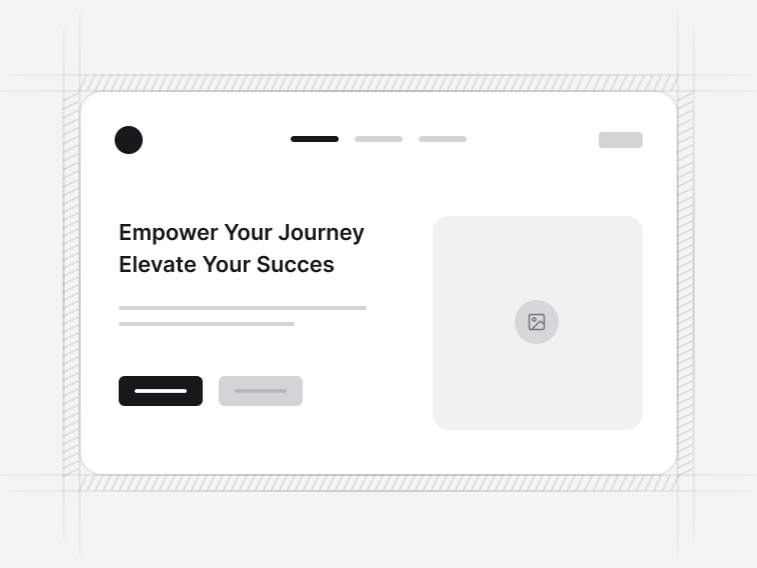
Hero Sections
14 Components
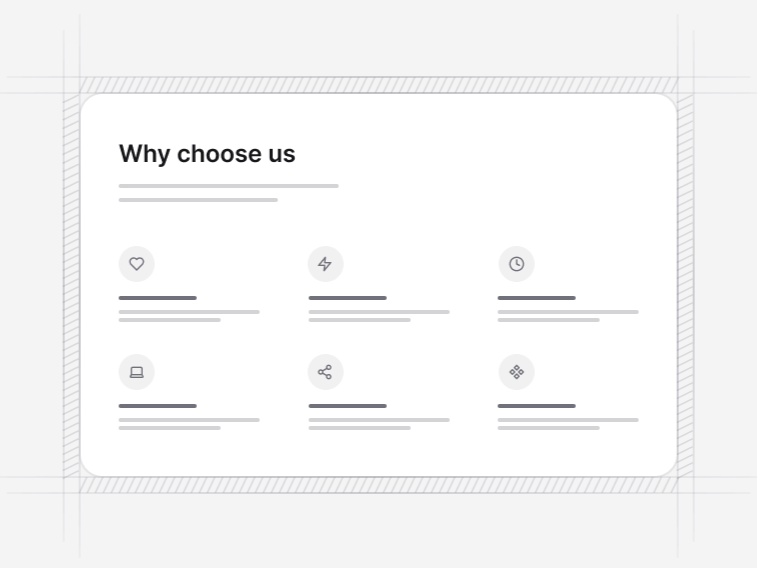
Features
14 Components
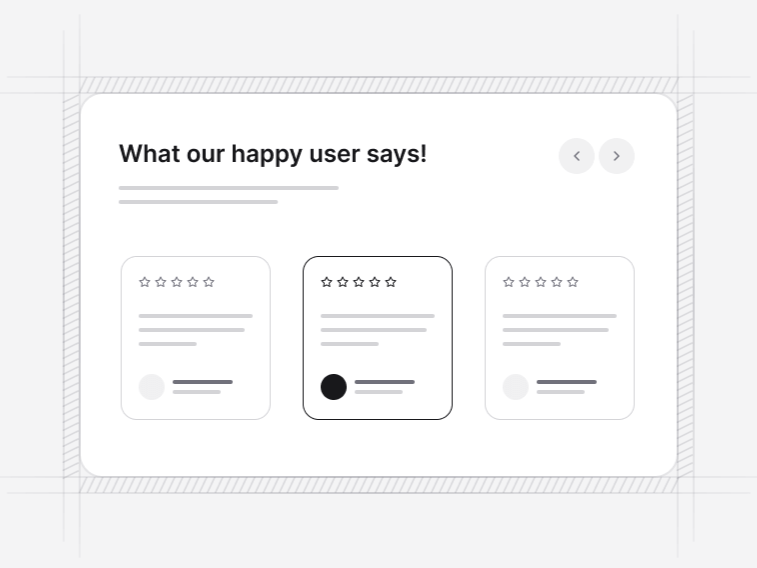
Testimonials
10 Components
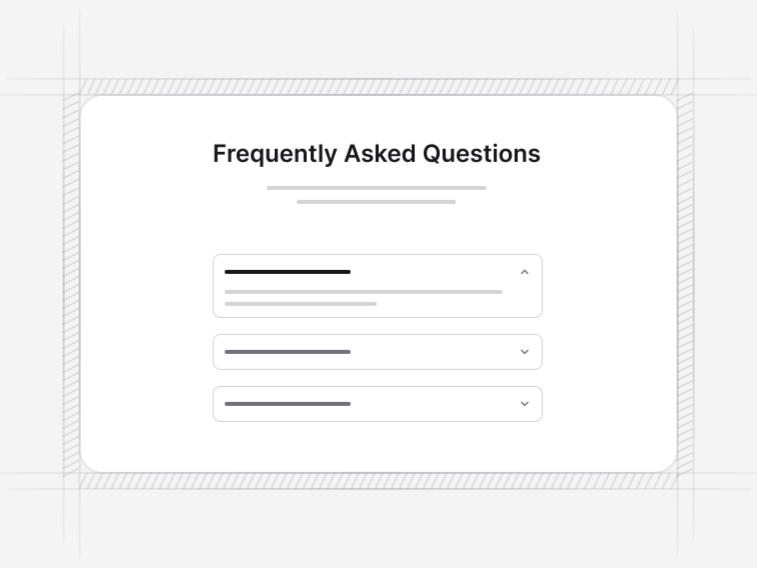
FAQ Sections
5 Components
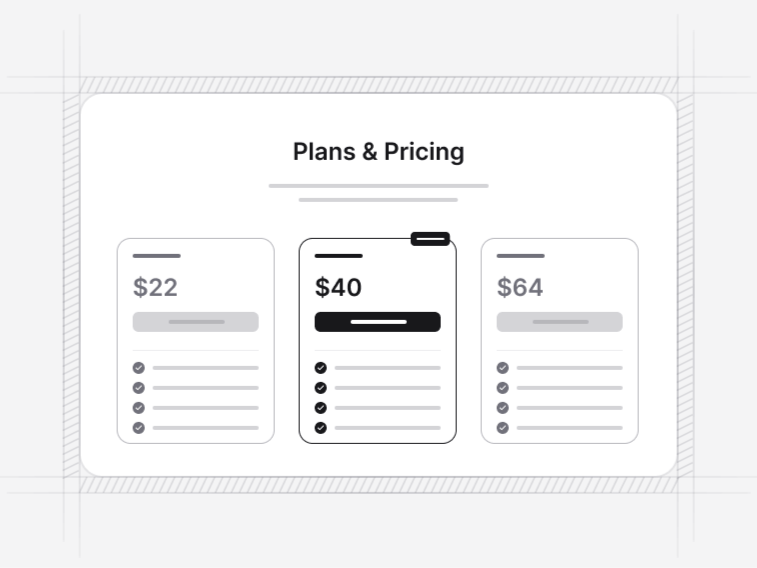
Pricing Tables
8 Components
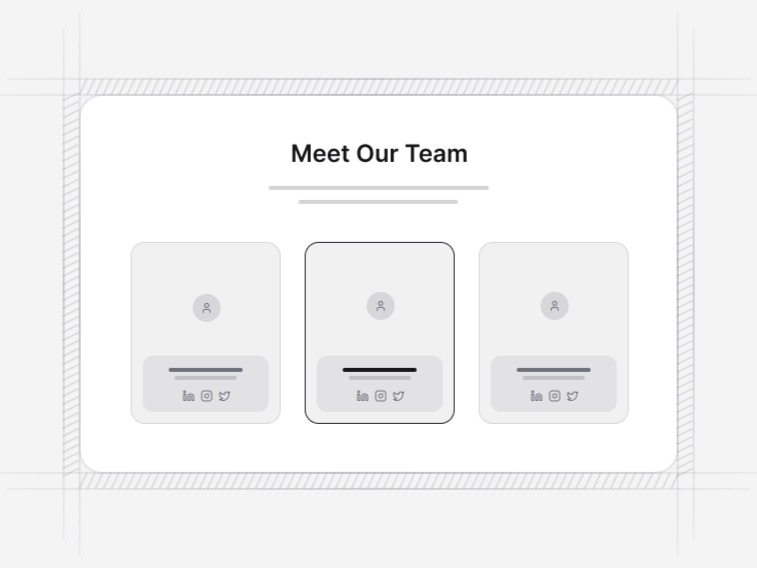
Team Sections
9 Components

Footer Sections
7 Components
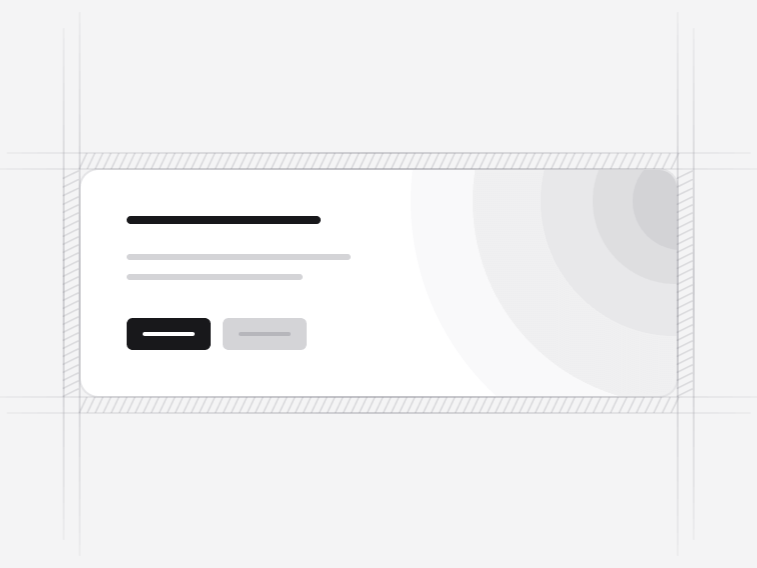
CTA Sections
13 Components
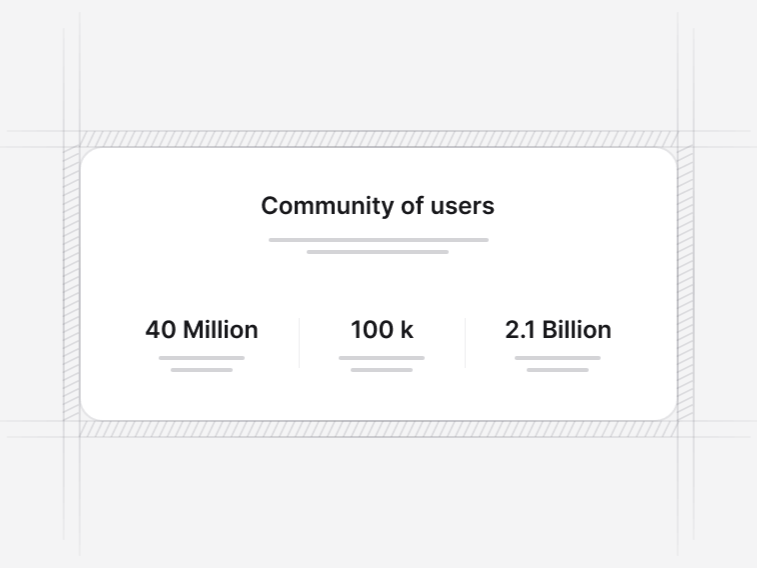
Stats Sections
10 Components
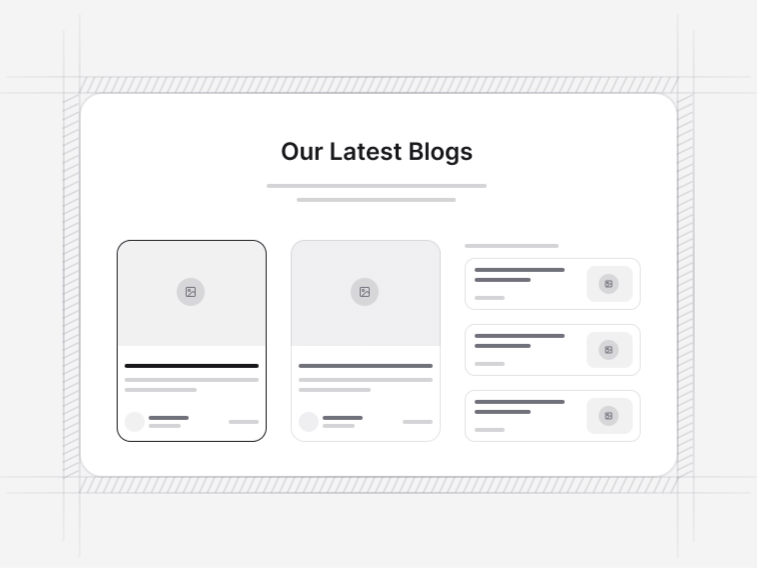
Blog Sections
4 Components

Logo Clouds
5 Components
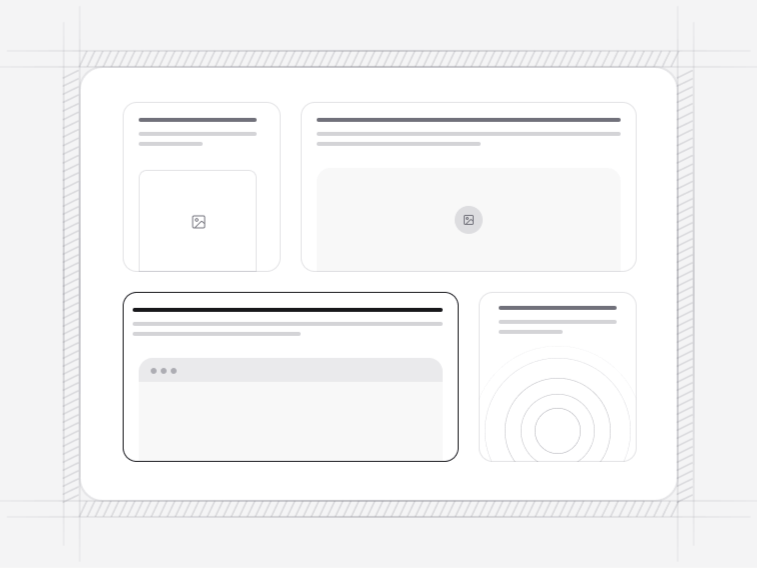
Bento Grids
12 Components

Contact Sections
6 Components
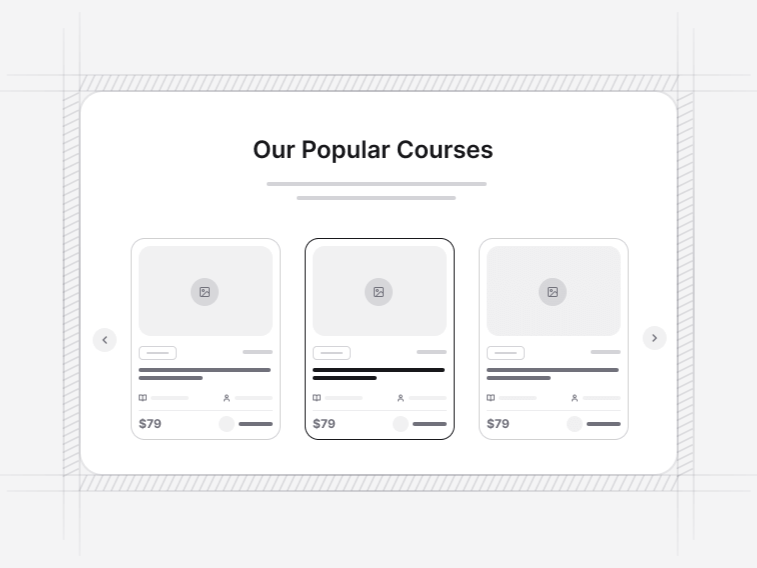
Listing Cards
6 Components

Banners
5 Components

Product Updates
6 Components

Comparison Tables
3 Components

Waitlist Pages
4 Components
E-commerce
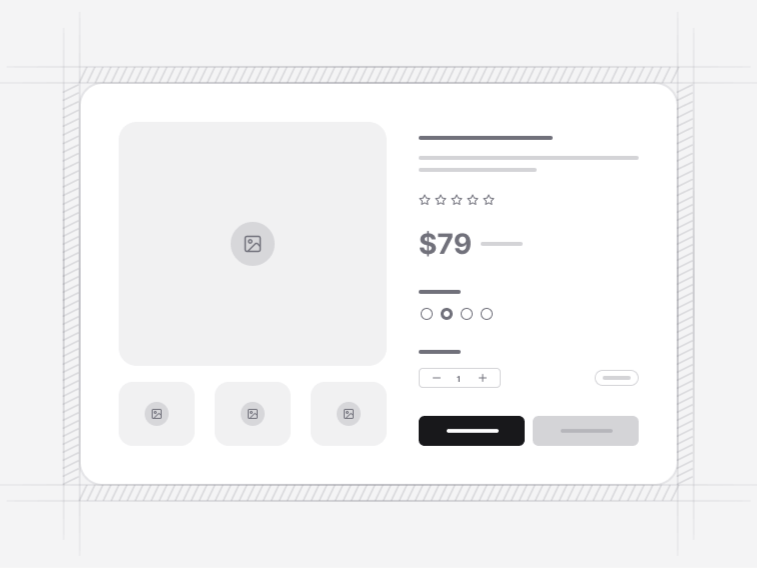
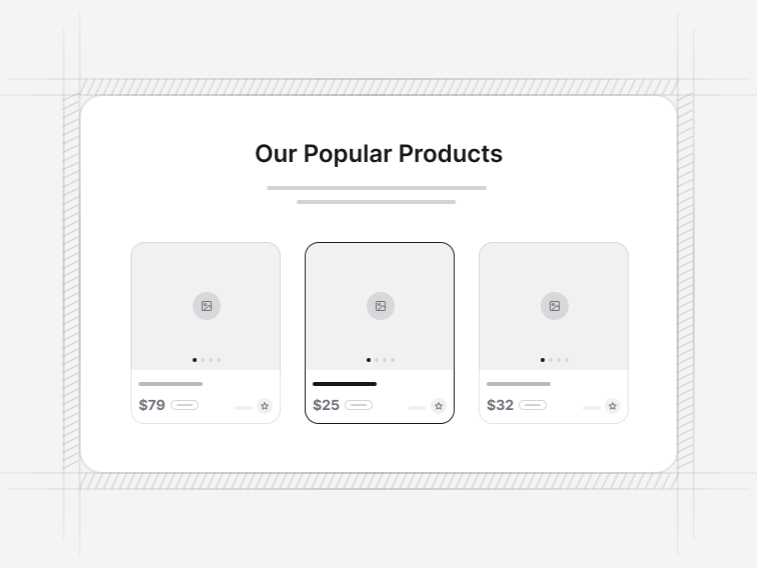
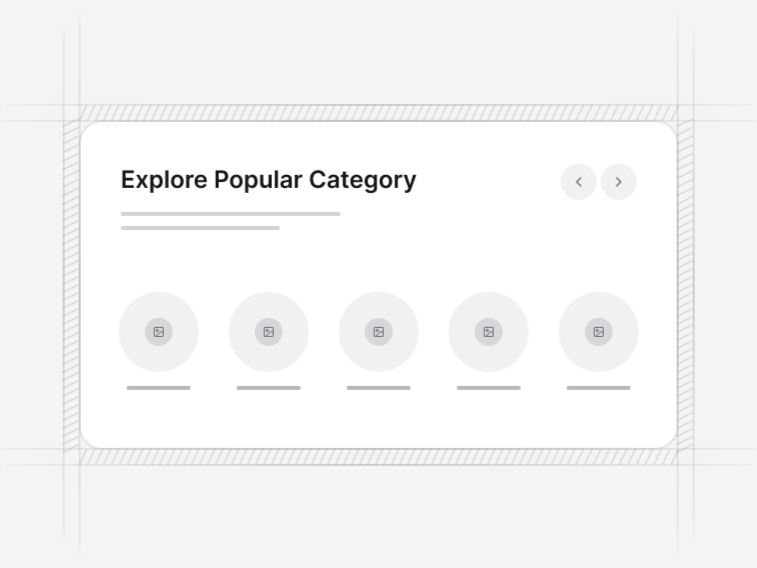
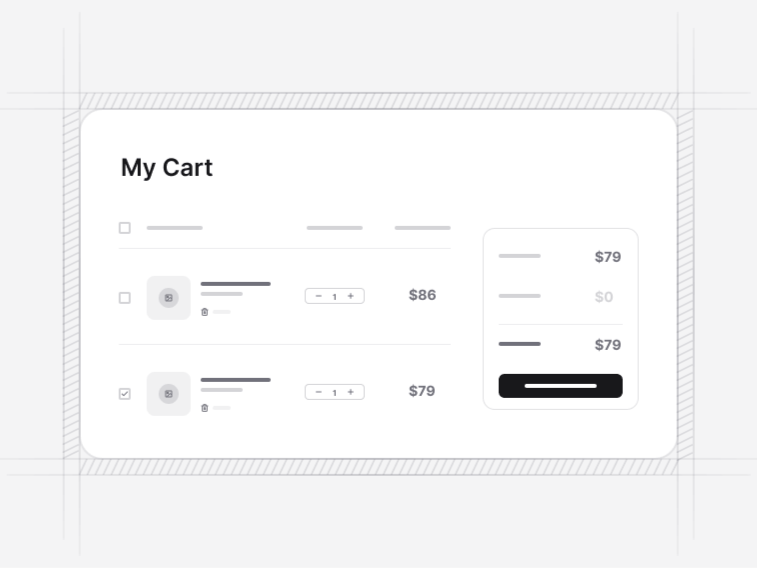
Build the customer-facing side of a store with product discovery, detail, cart, checkout, review, and account blocks. The components are ready for your catalog data and commerce backend.
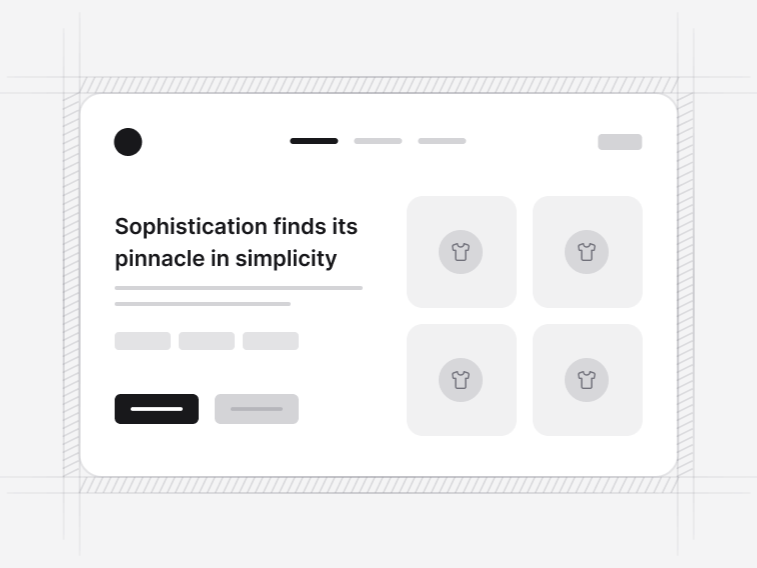
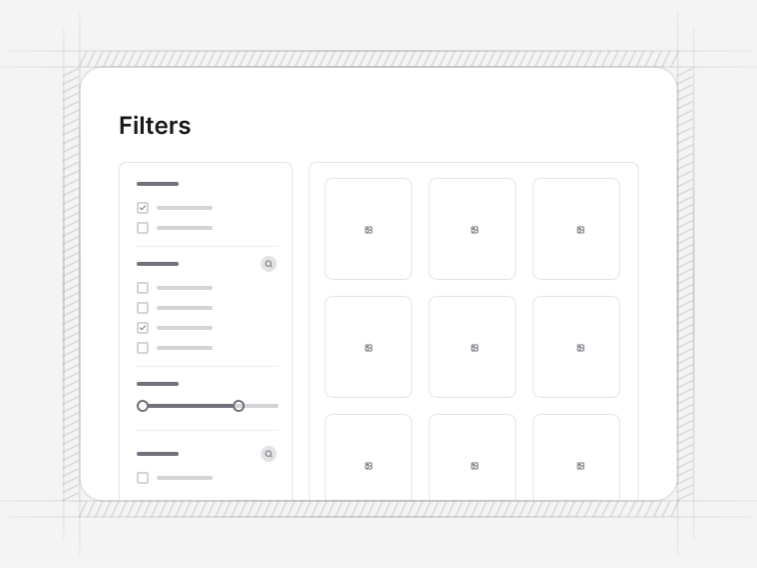
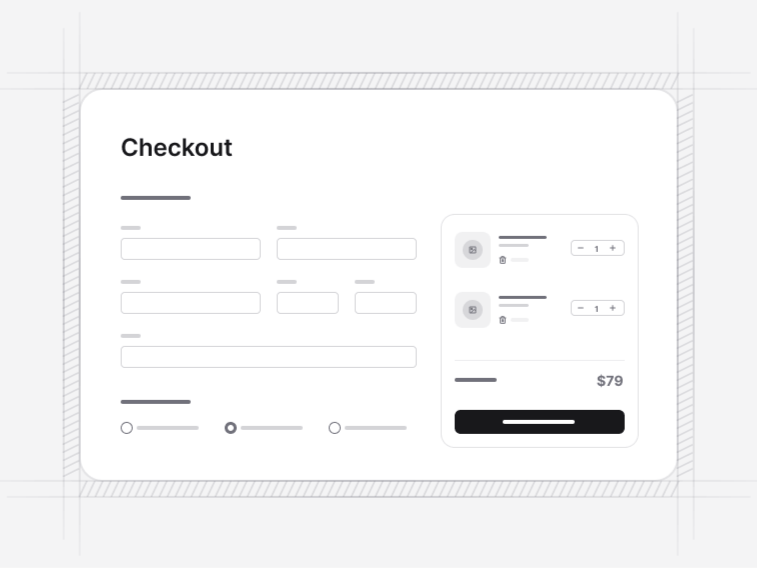
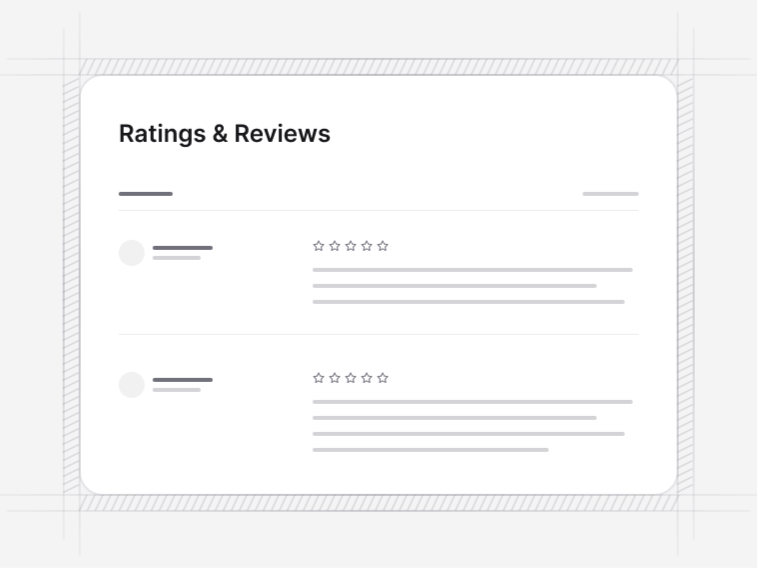
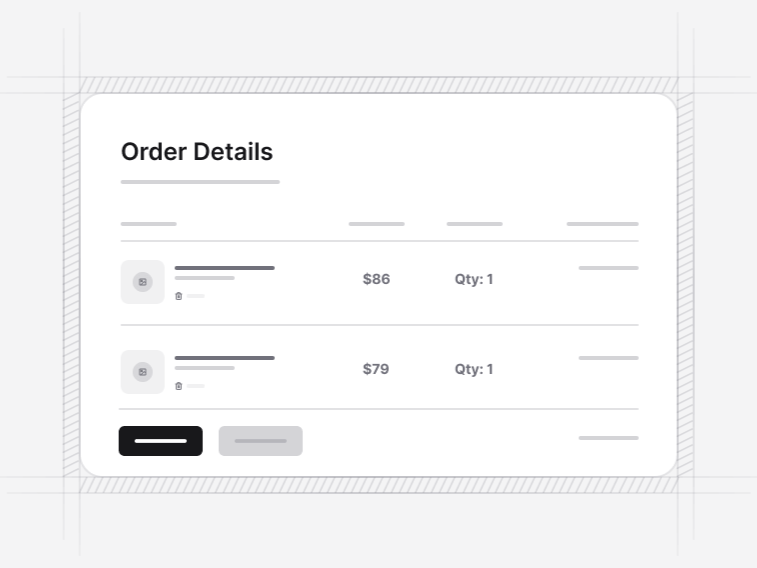
Application
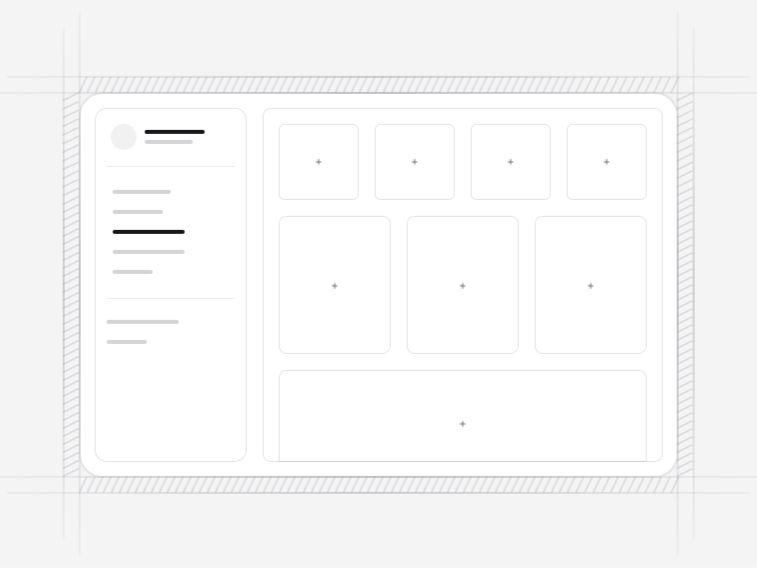
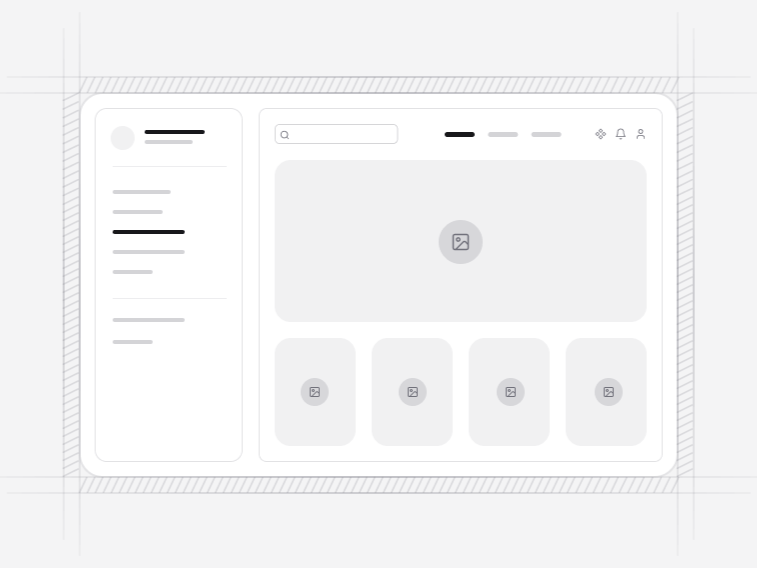
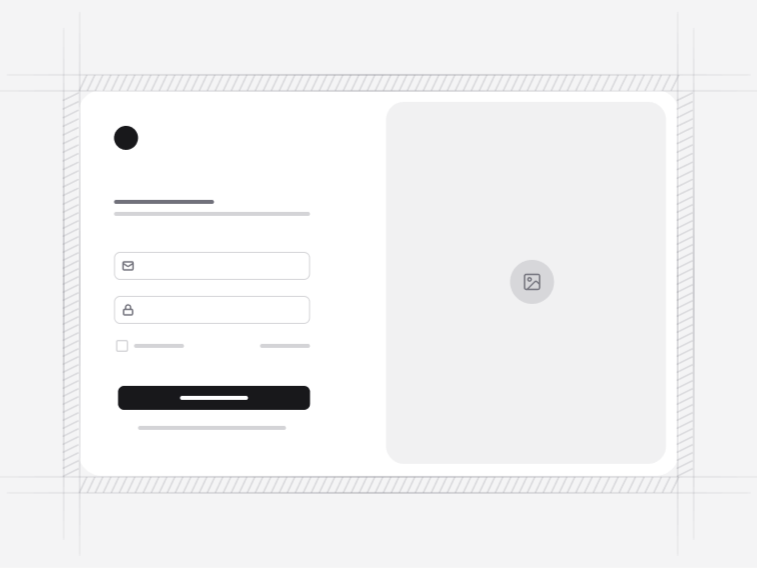
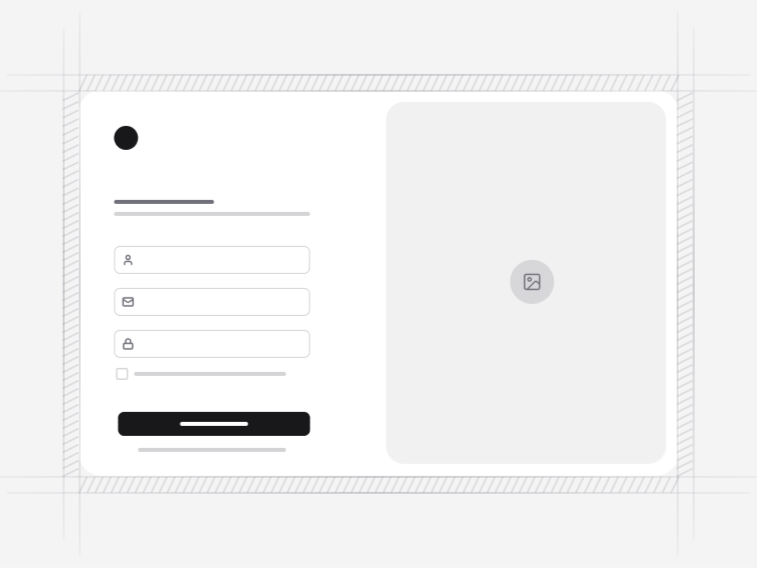
Start with the application frame, add the right data views, and complete the experience with matching authentication and error states. Each block is designed for real dashboard and admin workflows.




FAQ
Shadcn UI blocks, answered
What people ask before using the catalogue.
npx shadcn@latest add @shadcnstore/hero-section-1. The CLI writes the block and every shadcn/ui component it depends on into your project. Full steps are in the installation docs.
use client directive the Next.js App Router needs. Nothing assumes a particular router, data layer or build tool.
lucide-react. Focus management, escape handling and keyboard behaviour in menus and dialogs come from the primitive rather than being reimplemented in each block.
About the blocks
Shadcn UI Blocks for React, Next.js and Tailwind CSS
ShadcnStore has 287 shadcn/ui blocks in 3 categories, and 55 of them are free. A block is a whole section, built from shadcn/ui components on Base UI and styled with Tailwind CSS. You add it with the shadcn CLI, and from then on it is a file in your project that you own and edit.
Marketing blocks
146 blocks for landing pages and product sites: navbars, hero sections, features, pricing tables, testimonials, FAQs and calls to action. Browse the marketing blocks, or filter any section by free to see what you can use today.
E-commerce blocks
58 blocks for the customer-facing side of a store: storefront heroes, product pages and lists, category filters, shopping carts, checkout forms and reviews. Browse the e-commerce blocks, or filter any section by free to see what you can use today.
Application blocks
83 blocks for signed-in products: app shells, dashboard widgets, charts, data tables, and the sign-in, sign-up and recovery screens. Browse the application blocks, or filter any section by free to see what you can use today.
Every block page shows its own command, such as npx shadcn@latest add @shadcnstore/hero-section-1, and the CLI brings in every component it needs. The installation docs cover the setup. Want a whole site rather than sections? Start from a template.